Where it shows up in ASO
The clearest case is a brand-name search returning two of your own store listings or web pages in different languages: impressions split between them, and a searcher who only sees one of the two might not click at all — 0 clicks on a well-ranked page is a real symptom, not just a coincidence.
The fix isn't always removing a page — a Turkish and an English page can both rank for a brand term without harm if each is clearly the local audience's version. It becomes a problem specifically when neither converts.
What keyword cannibalization looks like in app stores
- Two apps, one term. A developer with a free and a paid edition, or two apps in the same niche, targets the same keyword with both. Searchers see two of your results side by side, and neither may climb as far as one focused listing would.
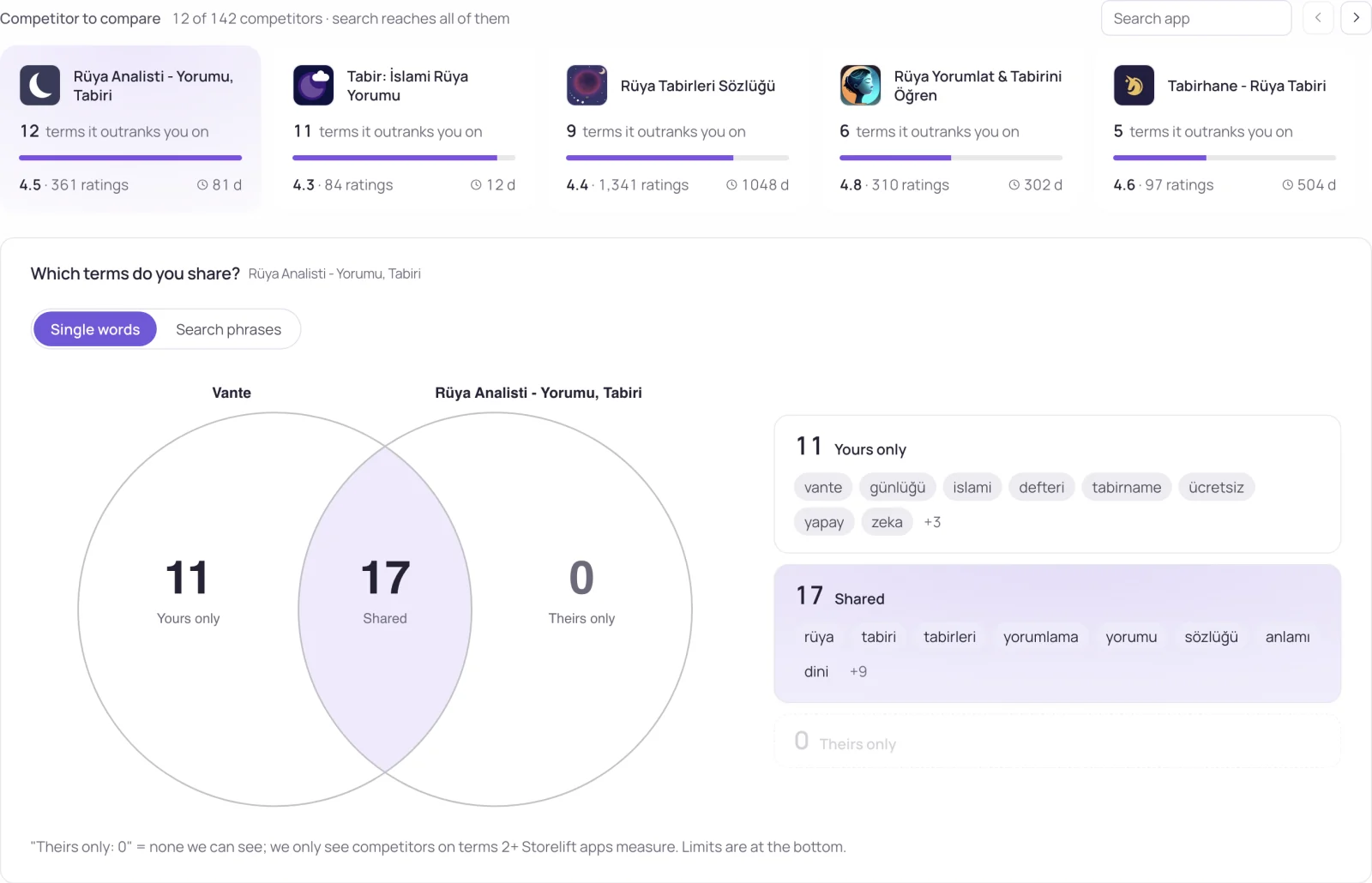
- Two language slots, the same words. Some storefronts index more than one localization of your listing. Writing the same words into both keyword fields spends the second slot's 100 characters on matches you already have.
- Two web pages, one query. A landing page and a blog post both aimed at "your app name + review" split the impressions in web search.
How to spot keyword cannibalization
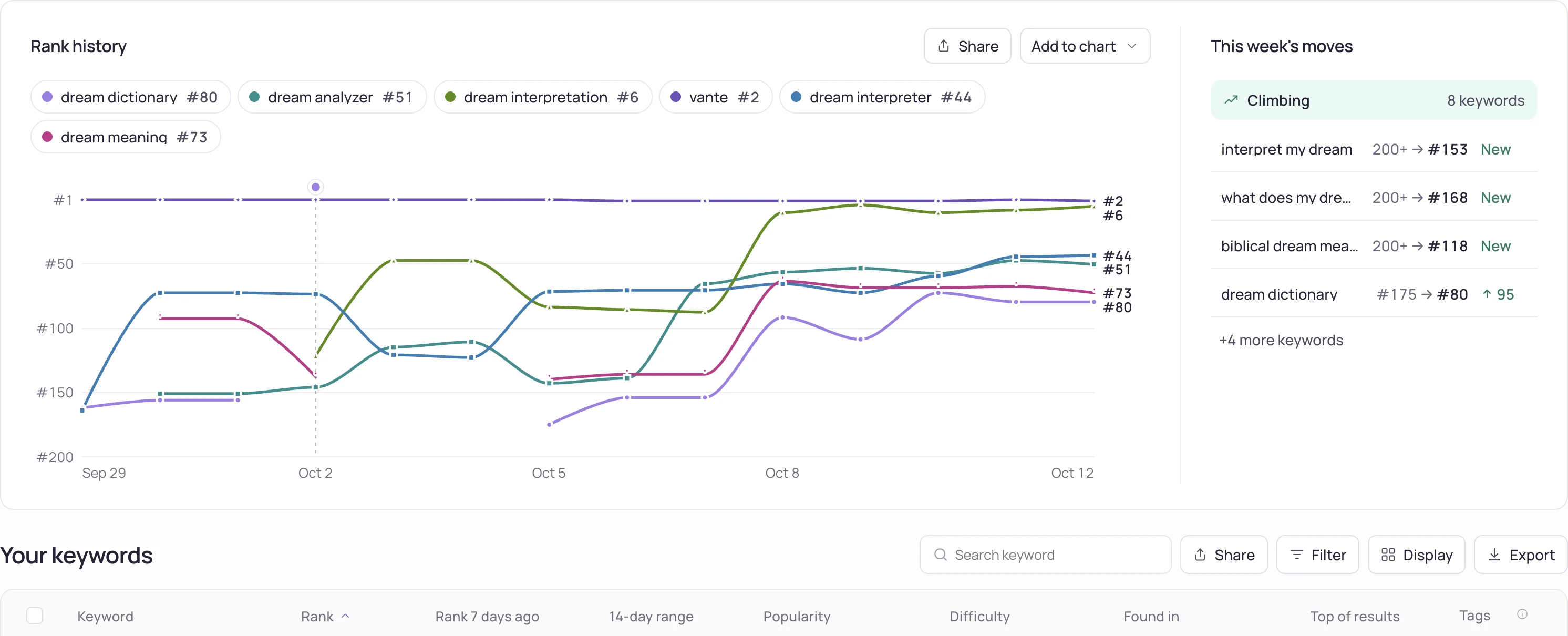
In the stores, track both apps on the same term with rank tracking. A telltale pattern is two listings that trade places from day to day, or both parked mid-page, while neither moves up. For web pages, Search Console shows it directly: the same query lists two of your URLs, each with a share of the impressions and few clicks.
For language slots, compare the keyword fields side by side. Any word that appears in both slots of a storefront that indexes both is a duplicate — the localization view in Storelift lists which slots each storefront reads.
How to fix keyword cannibalization
Give every term one owner. Decide which app or page should rank for it and move the other one to a different, related term. In a second language slot, replace the duplicated words with new ones — each swap turns a wasted character into a new match.
A hypothetical case: a developer's two sleep apps both carry "white noise" in the subtitle. Keeping it on the app that actually plays white noise and moving the other to "sleep sounds for baby" gives each app its own term instead of two half-chances at one. Removing a page is only necessary when neither version converts.
Frequently asked
What does keyword cannibalization mean?
It means two of your own pages or listings target the same search term and compete with each other, so impressions and clicks are split instead of one result owning the term.
Is keyword cannibalization bad for ASO?
It is when neither listing ranks or converts well. Two apps showing for one term is not automatically a problem; it becomes one when a single focused listing would do better.
Can two of my apps rank for the same keyword?
Yes, and sometimes that's fine. Track both with rank tracking; if they keep swapping positions without either improving, split the terms between them.
See this for your own app
Paste your store link, add your keywords. Rank, the apps above you and demand are measured every day.
Free plan: 1 app, 25 keywords in each of 2 storefronts, 30 days of history, no card, no end date. Pro is $20/mo.
Start free →