Every connection says what it opens.
Rank, keywords, rivals, reviews and AI visibility run from your store link alone. Each connection below adds screens on top — and says which ones, what access it asks for, and when its data starts.
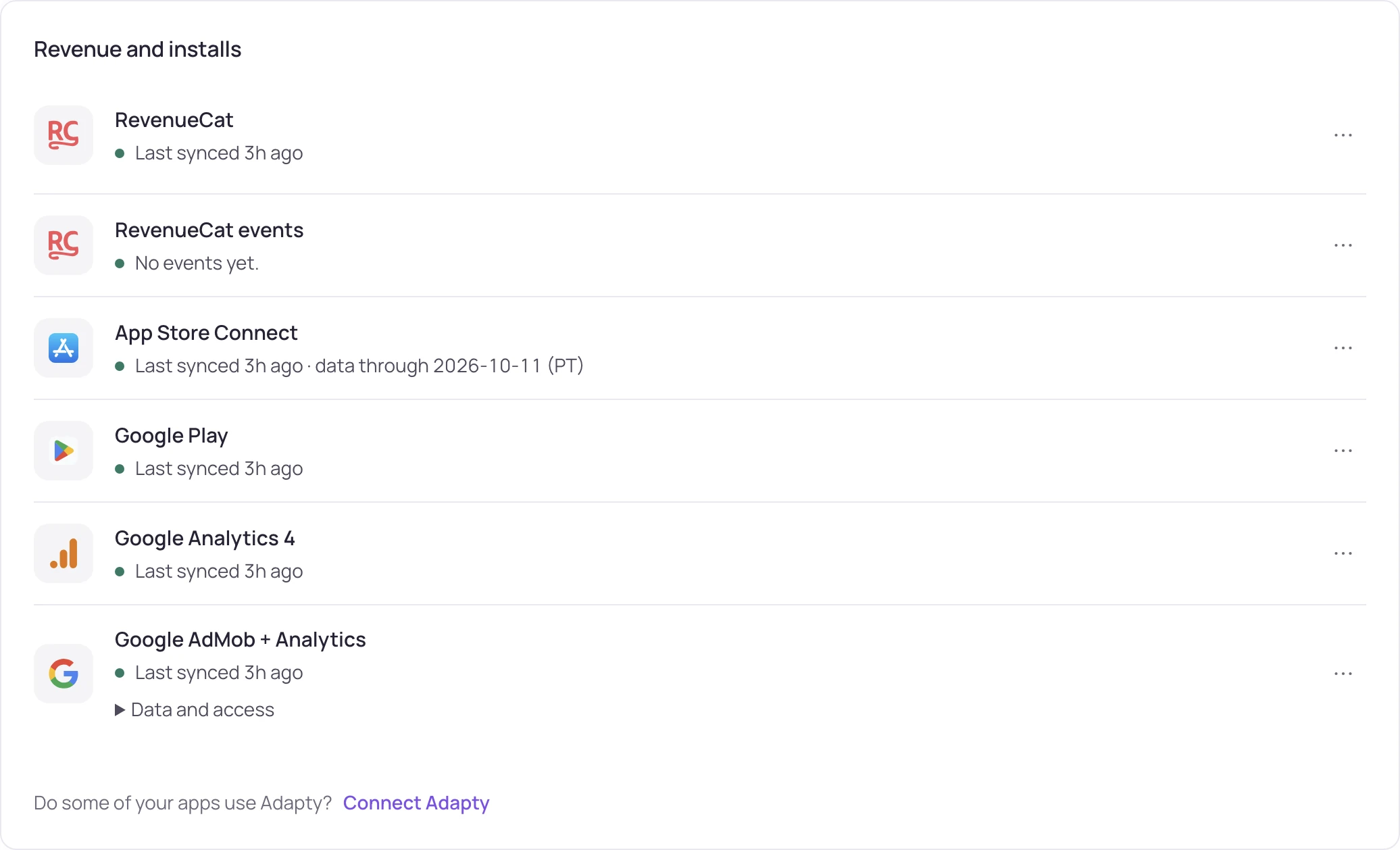
What works from the store link alone?
Paste the store link and these work right away. Rank tracking, rivals, reviews and AI visibility do not need a store account key; how much each one covers depends on your plan.
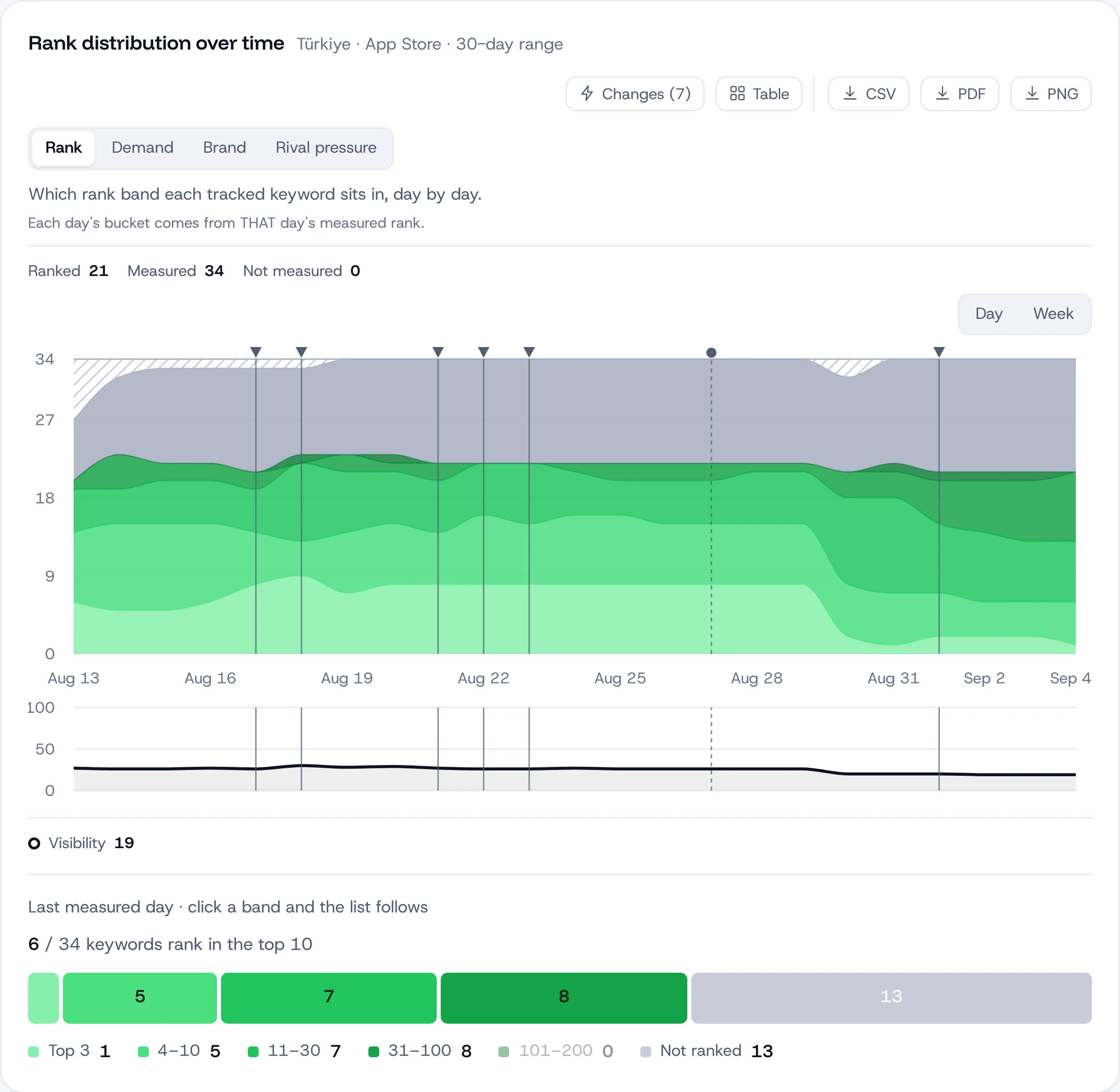
Keyword ranks
Daily rank for every tracked keyword, in every storefront you pick, with the apps ahead of you.
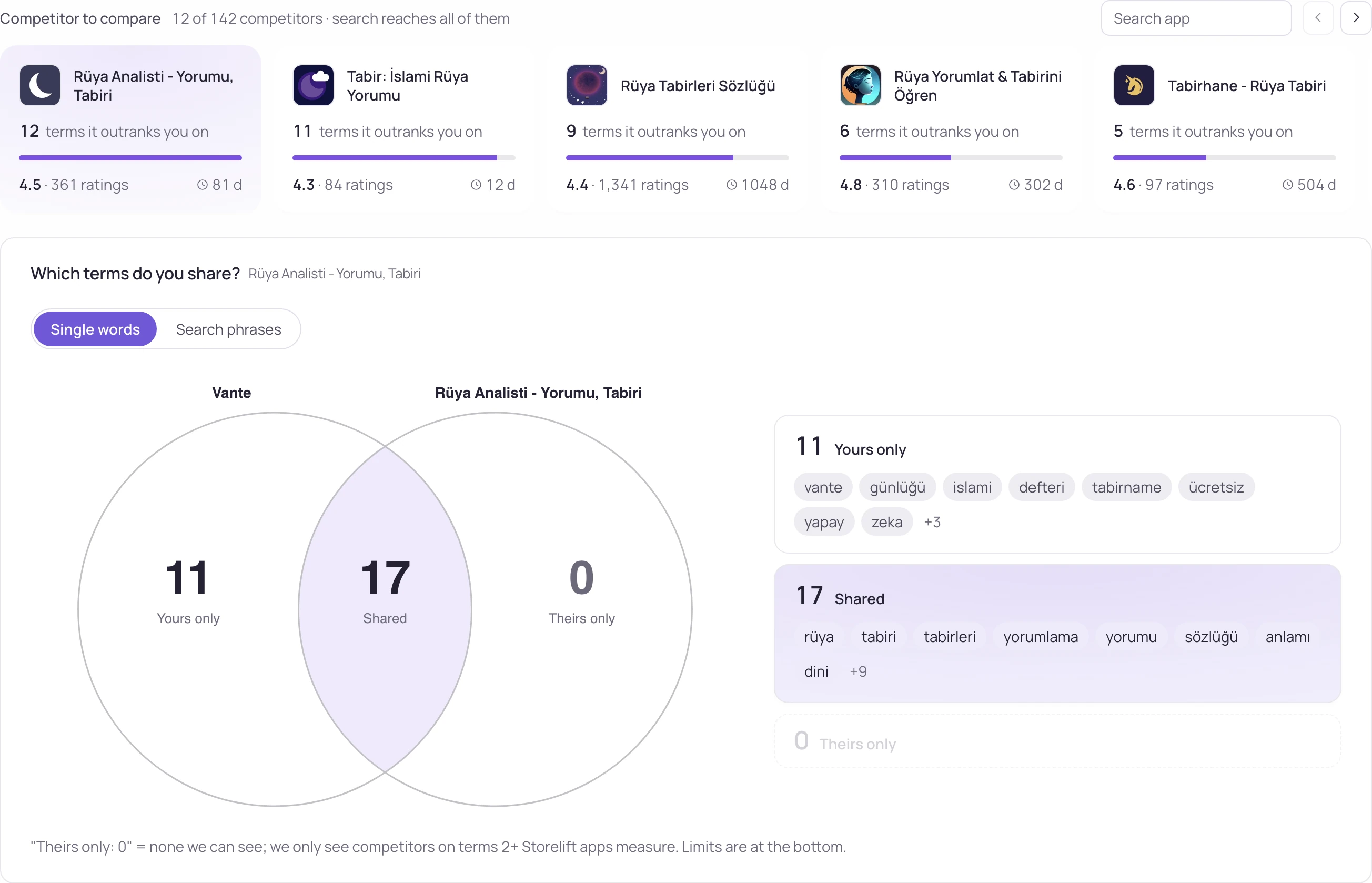
Rivals
Their title, subtitle, screenshots, price and version changes, with the date each one happened.
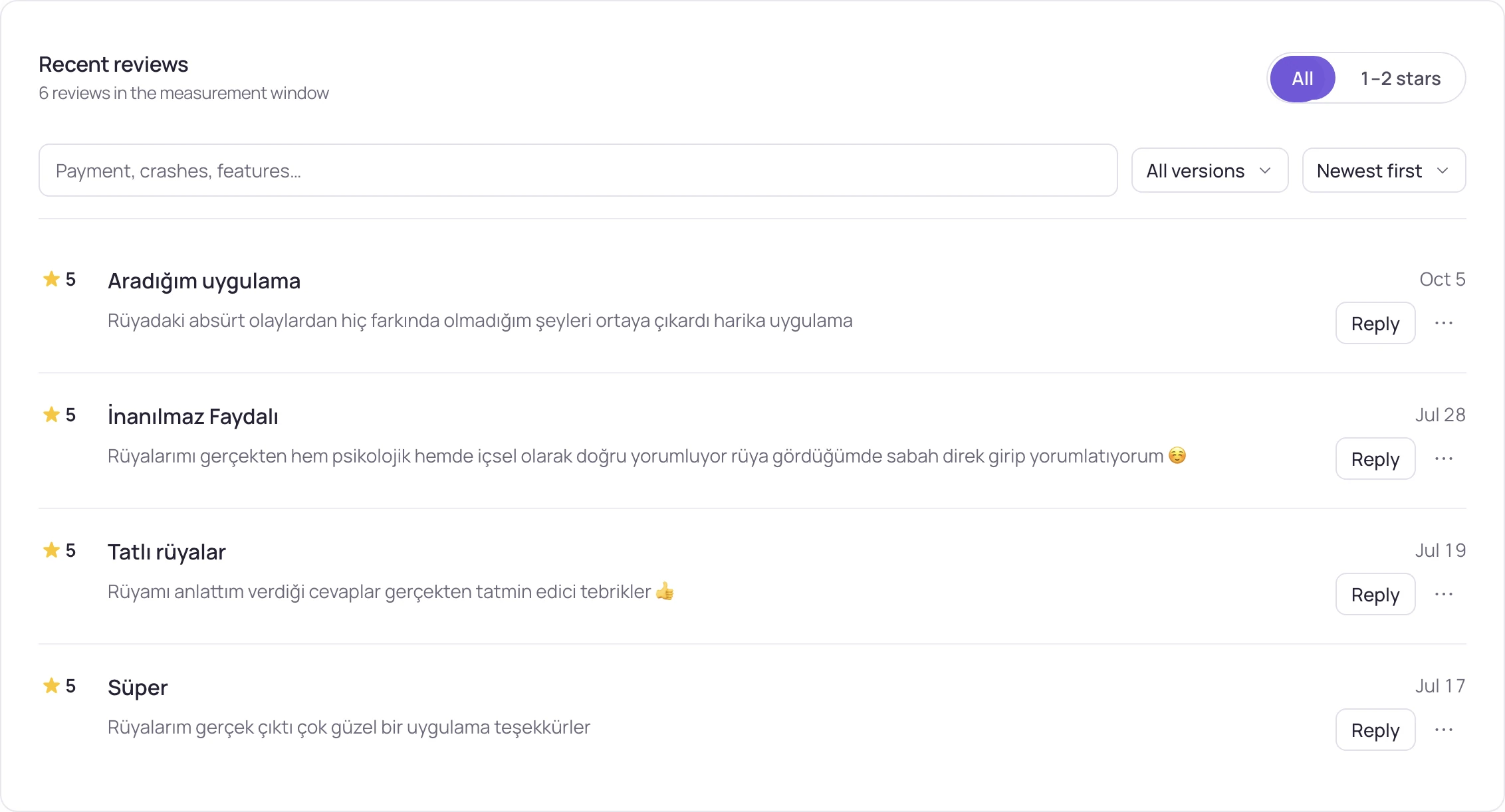
Reviews
Ratings and reviews by storefront, grouped into themes, with the storefront each one came from.
AI visibility
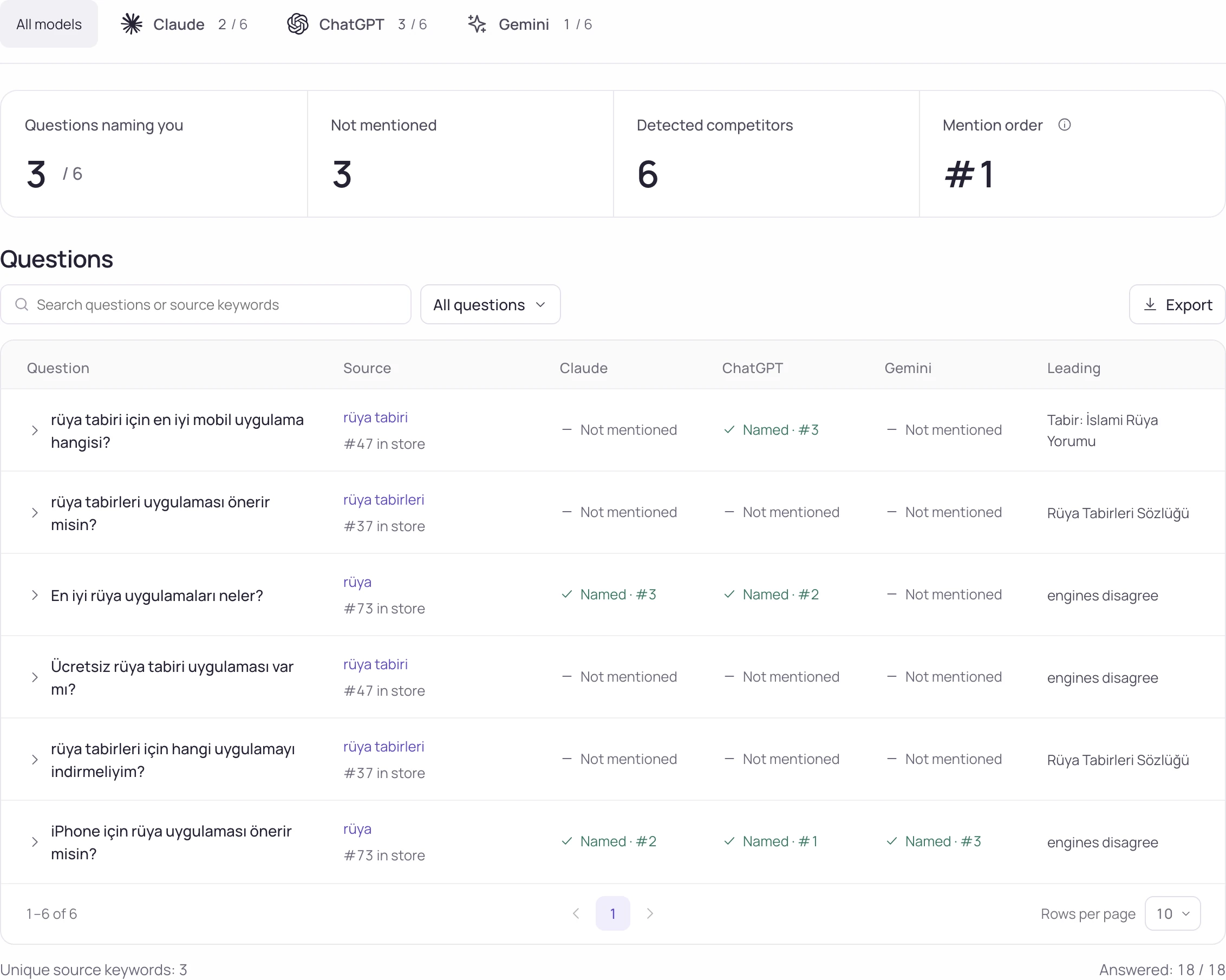
Whether assistants name your app for the questions your users ask.
Your own numbers, from the stores themselves
Downloads and installs are the numbers in your own App Store Connect and Play Console reports. The same key sends review replies and listing text back to App Store Connect when you confirm a preview.
| Connection | What it opens | Access it needs | When data starts |
|---|---|---|---|
| App Store Connect | Downloads and country breakdown (Users); with Analytics on: install sources, subscriptions, iOS crashes; with App Manager: keyword field check, custom product pages, experiments, review replies (every plan) and listing text written to an editable version (Studio) | A Team Key. Sales or Finance role for sales reports; Admin or App Manager for app pages and metadata | Apple's daily Sales report, one day behind; Analytics after Apple prepares the first file |
| Google Play Console | Android installs and country breakdown, Play search terms, traffic sources, Android crashes on Stability | A service account invited in Play Console with "View app information and download bulk reports" | With Google's report files; the Play permission itself can take up to a day to apply |
Compare acquisition and subscription revenue
Subscription events and your analytics users. When multiple subscription sources are connected, each app uses one source so the same purchase is not counted twice. Store activity and payment totals can share an app and date without following the same people; keyword-level causation is not established.
| Connection | What it opens | Access it needs | When data starts |
|---|---|---|---|
| RevenueCat | MRR, active subscribers, trials (Revenue); with the app list: revenue on each app's own page; with the webhook: trials, renewals, refunds and source, event by event | A v2 secret key with Charts metrics read; project read for the app list | API figures on the next collection; webhook events as they happen |
| Adapty | Trials, renewals, refunds and source, event by event; trial conversion by country and revenue by first-purchase month | A webhook address set in Adapty › Integrations › Webhooks, one per app | With the first subscription event after saving; the card shows "test received" at once |
| Superwall | Trials, renewals and refunds sent as subscription events | A Storelift webhook address and the signing secret from Superwall › Integrations › Webhooks | With the first signed subscription event |
| Google Analytics | Today's users, live users and country breakdown next to store downloads (Users) | Storelift's reader address, or your own service account, added as Viewer on the GA4 property | On the next collection; Google Analytics itself runs one to two days behind |
| PostHog | Active users, sessions and countries on Users when GA4 is unavailable | A read-only project API key, project ID and region | On the next collection after connection |
| Amplitude | Active users, sessions and countries on Users when GA4 and PostHog are unavailable | A read-only project API key and project ID | On the next collection after connection |
Ad earnings and campaign spend
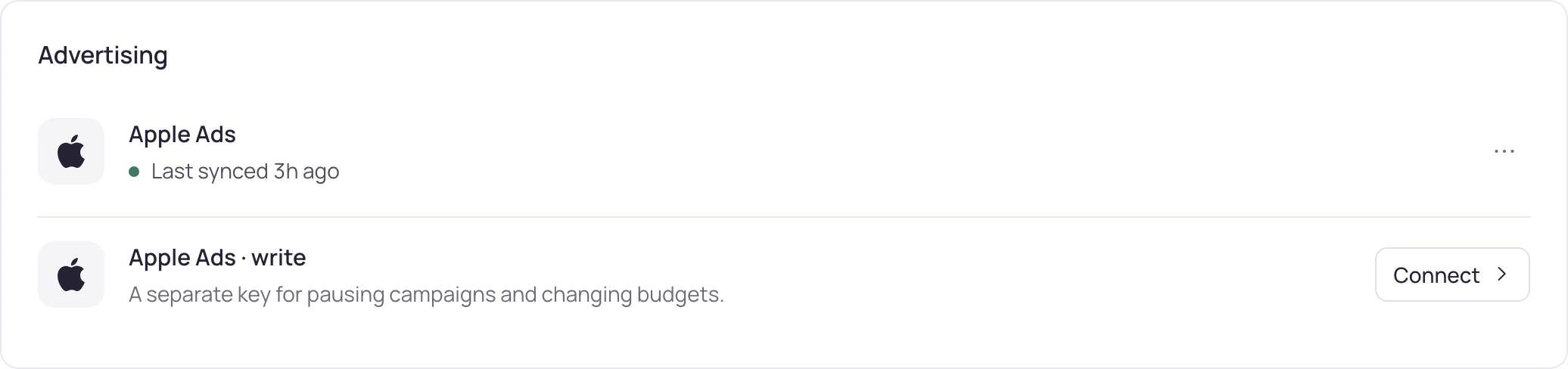
AdMob and AppLovin MAX show ad earnings. Apple Ads uses separate keys to read campaigns and to make changes you approve.
| Connection | What it opens | Access it needs | When data starts |
|---|---|---|---|
| AdMob | Ad earnings by day and country on Revenue and Today | A Google sign-in with access to your AdMob account | On the next collection |
| AppLovin MAX | Ad earnings by app, day and country; Google earnings are counted once when AdMob is connected too | A read-only Report Key from AppLovin › Account › Keys | On the next collection after the key is checked |
| Apple Ads · read | Campaigns, spend, installs, CPA; impression share; Apple's popular terms; campaign → revenue with RevenueCat or Adapty | An Apple Ads API user with read access | On the next daily collection |
| Apple Ads · write | Apply buttons on the Apple Ads manager screen: pause and resume campaigns, set daily budgets, and the rules that do the same on a threshold | A separate API user with campaign management access | The moment you press apply |
Rank moves and rival changes, where you already look
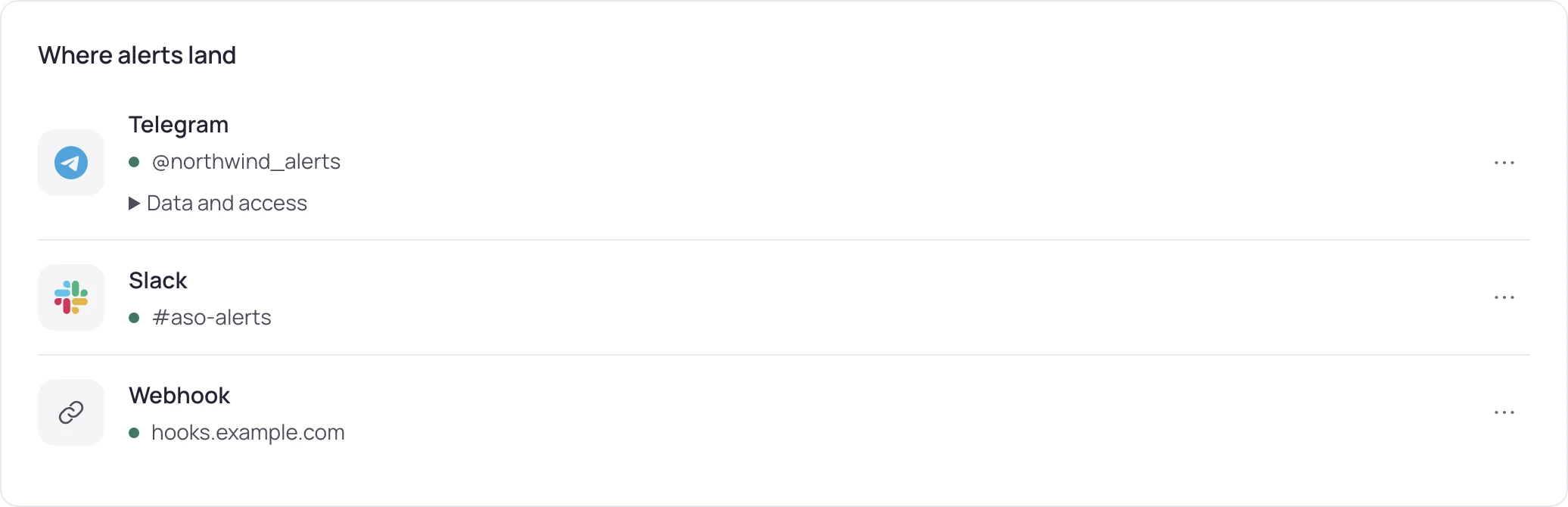
Every alert can go to more than one place. The panel shows which alerts are on and which channel will actually deliver them.
| Connection | What it opens | Access it needs | When data starts |
|---|---|---|---|
| Weekly report | Your account email | With the first weekly report | |
| Slack | Rank alerts in a channel | An incoming webhook address that posts to that one channel | With the first alert |
| Telegram | Rank alerts in a chat | Tap Start in the Storelift bot | The card connects itself when you tap Start |
| Discord | Rank alerts in a Discord channel | A Discord channel webhook URL | With the first alert |
| Webhook | Rank alerts as raw JSON, one POST each — n8n, Zapier or your own dashboard | A URL that accepts POST | With the first alert |
| Google Sheets | Keywords, rank and revenue history, live in your sheet | One IMPORTDATA formula with a private link | As soon as the formula is pasted |

The same measurements, in your own code
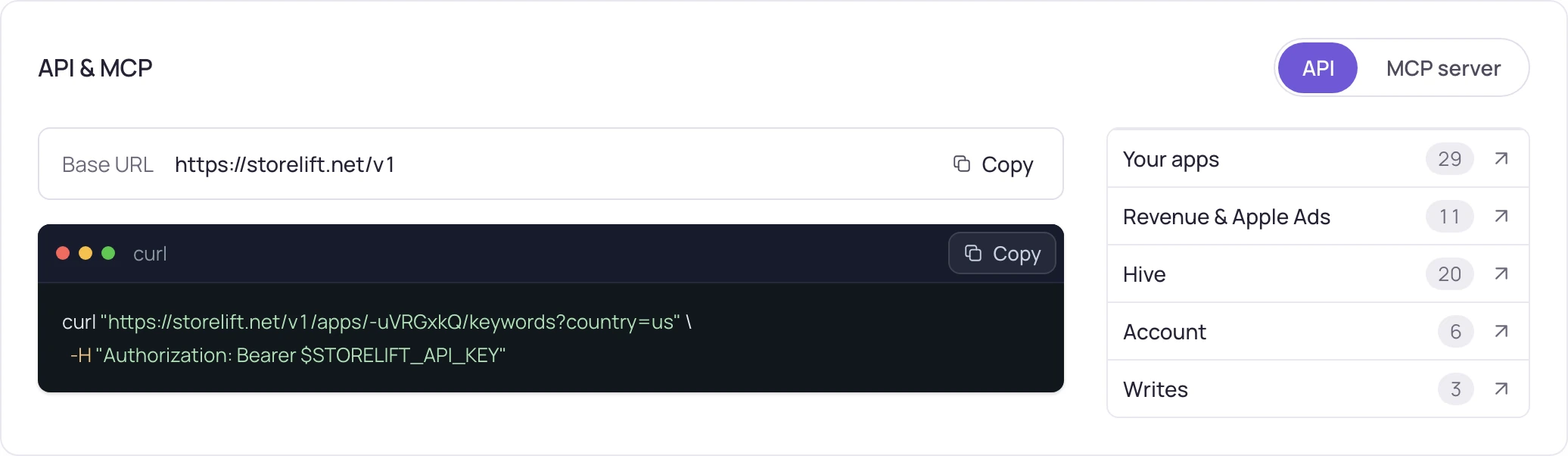
Everything on the screens is also JSON. The MCP server works on every plan, with OAuth or an API key; the REST API starts on Pro.
| Connection | What it opens | Access it needs | When data starts |
|---|---|---|---|
| REST API | Ranks, keywords, rivals, reviews, revenue and history for your apps; Hive market data by credit | An API key from Settings, scoped per key: REST keys on Pro and above or with a credit pack, test keys and the sandbox on every plan | Immediately |
| MCP | The same data inside Claude, ChatGPT or Cursor, with the tools your plan allows | The Storelift MCP address: sign in with OAuth or send an API key, on every plan; the Free key works for MCP only | Immediately |
Three rules the code holds
A connection is access to your account, so each rule below is enforced where the key is used.
- Tested before it saves
Every key is tried live against the source when you press connect. A missing permission is named on the card right away.
- Every write is yours
Revenue keys read. Review replies and listing text go to App Store Connect after a preview you confirm. Apple Ads changes use a second key you add on purpose and run when you press apply or a rule you set fires.
- One source per app
If the same sale reaches us from multiple subscription sources, each app uses one source and the screen says which.
Where the connections lead
Three pages that build on what you connect here.
FAQ
Questions
Do I have to connect anything to start?
Rank tracking, rivals, reviews and AI visibility run from the store link alone. Connections add revenue, downloads, ads and alert channels on top.
Which App Store Connect role should the key have?
Sales or Finance is enough for downloads. Admin or App Manager also opens the keyword field check, custom product pages, experiments and review replies. The connect form lets you switch each optional item off.
Can Storelift change anything in my store listing?
Yes, when you ask it to. With an App Manager key, review replies (every plan) and listing text (Studio: name, subtitle, keywords, description, promotional text, what's new and URLs) go to App Store Connect after a preview you confirm. Listing text lands on an editable version and waits there as a draft; submitting to App Review stays with you. Apple Ads changes run when you press apply or a rule you set fires.
Why is my Google Play data not showing yet?
Play applies a new permission on its own schedule — up to a day — and publishes report files after that. The card shows the exact state: waiting for permission, waiting for the first file, or reading.
Is there an SDK?
Subscription events arrive through RevenueCat, Adapty or Superwall webhooks and store data through store keys, so your app's code stays exactly as it is.
How do I remove a connection?
Settings › Connections › Remove. The stored credential is deleted. Revoke the original key in the source console too. Previously collected reports remain separate; removal does not undo published listing changes or copies already sent to another destination.
Start with the store link.
Everything above adds to a plan that already works without it. Connect the first one when a screen asks for it.