The one rule worth repeating here
Never repeat a word already used in the app name or subtitle inside this field — Apple combines matches across fields, so the repeat buys nothing and the character it costs is one you don't get back. Google Play has no equivalent hidden field; its indexed surface is the visible name, short and long description.
How the Apple keyword field works
- 100 characters per localization. Each language slot of your listing has its own field, and every character counts — letters, commas and spaces.
- Commas, no spaces.
sleep,noiseinstead ofsleep, noise; the space adds nothing. - Words are recombined. Apple pools the words in the name, subtitle and keyword field, so
journalin the field plus Dream in the name can match "dream journal". - Skip words already indexed. Your app name, developer name, the word "app" and your category are characters spent on searches you already appear in.
Keywords are part of a version's metadata, so changing them means submitting a new app version. The full rule set is in the iOS keyword field guide.
iOS keyword field example
Take a hypothetical app named "Lumo: Dream Journal" with the subtitle "Log dreams and sleep". A first draft of its keyword field often looks like this:
dream journal, dream diary, sleep log, lucid dreams, dream app — 62 characters
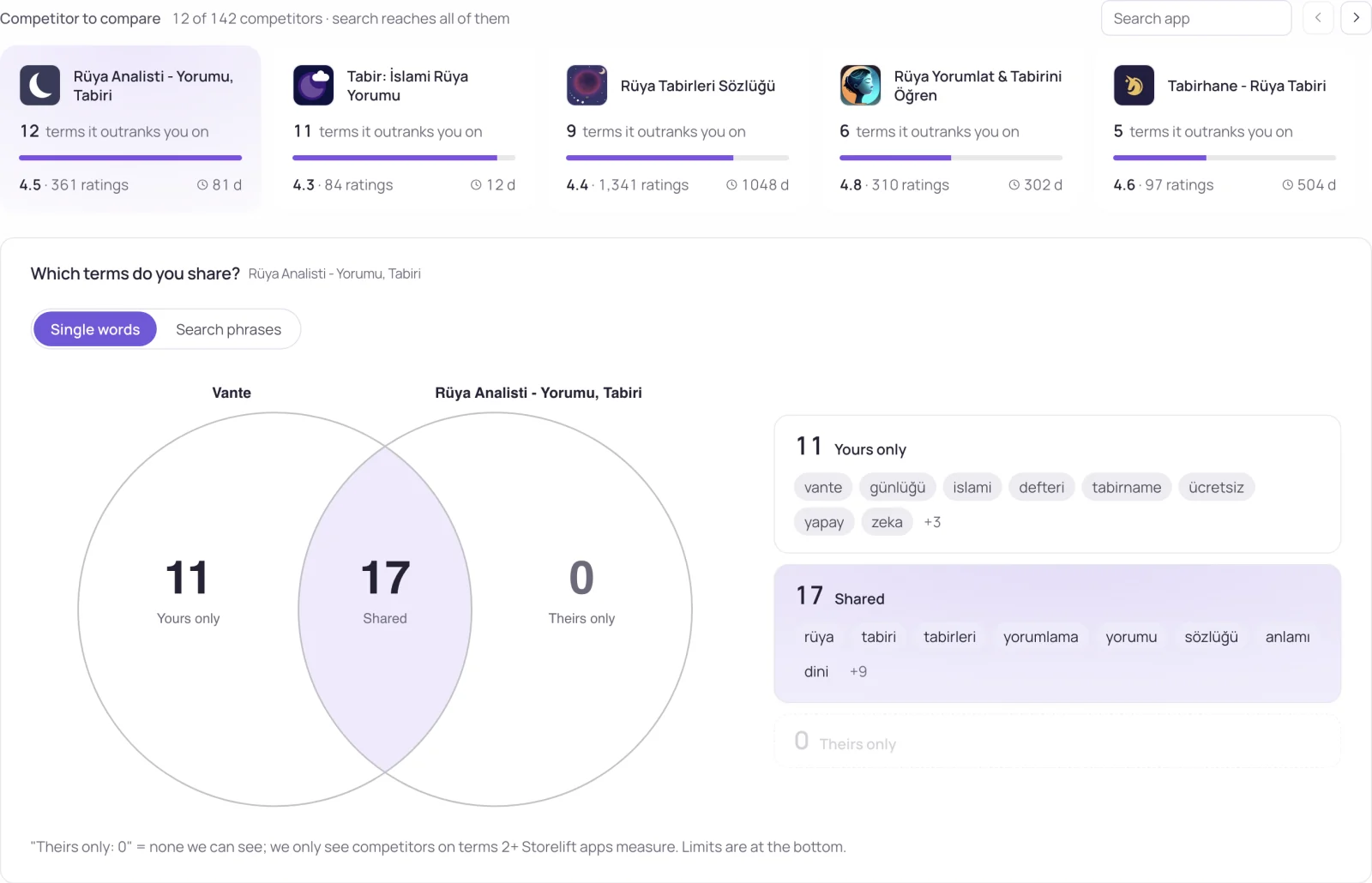
Most of it is already covered: dream, journal, sleep and log are in the name and subtitle, and "app" adds nothing. Only diary and lucid are new. A packed version spends the budget on new words:
diary,lucid,nightmare,recall,interpret,meaning,symbols,tracker,notes,analysis — 77 characters
Ten new words instead of two, and 23 characters left for more. Which words to keep when they don't all fit should follow demand, not which word sounds most important.
Is there a keyword field on Google Play?
No. Google Play has no hidden keyword field. It indexes the visible text instead: a 30-character title, an 80-character short description and a 4,000-character long description. On Android, keywords go into real sentences in those fields — see app store metadata for the side-by-side comparison.
Common iOS keyword field mistakes
- Writing phrases.
dream journalstores the same two words asdream,journaland costs a space more, because Apple recombines words anyway. - Using other apps' names. Apple's App Review Guidelines rule out trademarked terms and popular app names in metadata, the keyword field included.
- Leaving a second language slot empty. Where a storefront indexes two slots, the blank one is 100 characters left unused.
- Choosing words by feel. When everything doesn't fit, drop the words with the weakest demand signal first.
Frequently asked
Where is the keyword field in App Store Connect?
On the version page of your app, in each localization, next to the description and promotional text. It is only editable while a version is being prepared for submission.
Do spaces count in the iOS keyword field?
Yes. Every character counts toward the 100, including spaces, so separate words with commas only.
Should I repeat my app name in the keyword field?
No. The app name is already indexed, and Apple combines words across the name, subtitle and keyword field, so a repeat uses characters without adding a match.
Can I change App Store keywords without an update?
No. Keywords belong to a version's metadata, so new keywords go live with a new version submission.
See this for your own app
Paste your store link, add your keywords. Rank, the apps above you and demand are measured every day.
Free plan: 1 app, 25 keywords in each of 2 storefronts, 30 days of history, no card, no end date. Pro is $20/mo.
Start free →