Create your account
Sign up with Google, or with an email and a password; an email account is confirmed with a six-digit code. Your workspace opens with one box: paste your store link or type the app's name.
Want to see a rank before you sign up? The free rank check needs no account.
Add your app: App, Storefronts, Keywords
The wizard has three steps, and your draft is kept if you refresh the page.
- App: paste an App Store or Google Play link, or search by name. The matching listing in the other store is looked up for you, and an app that isn't out yet can be added by name.
- Storefronts: the countries where the app is live are listed and the best ones are ticked, up to your plan's limit. Free measures 2 at a time; click a locked country to swap it in.
- Keywords: each storefront starts with words from your title and subtitle. With App Store Connect connected, your real keyword field comes in instead. Add more from the suggestions or type your own.
A keyword counts once per storefront: Free has 50 slots, so one keyword in two storefronts uses two.
Your first ranks
Press Start measuring and the app opens at once. The numbers fill in as they arrive.
- The Measuring pill at the top lists each storefront as it finishes. A new app's first measurement takes a few minutes.
- A keyword you add while it runs is measured as soon as the current run ends.
- From then on every keyword is measured daily, and new apps, keywords and storefronts as soon as you add them.
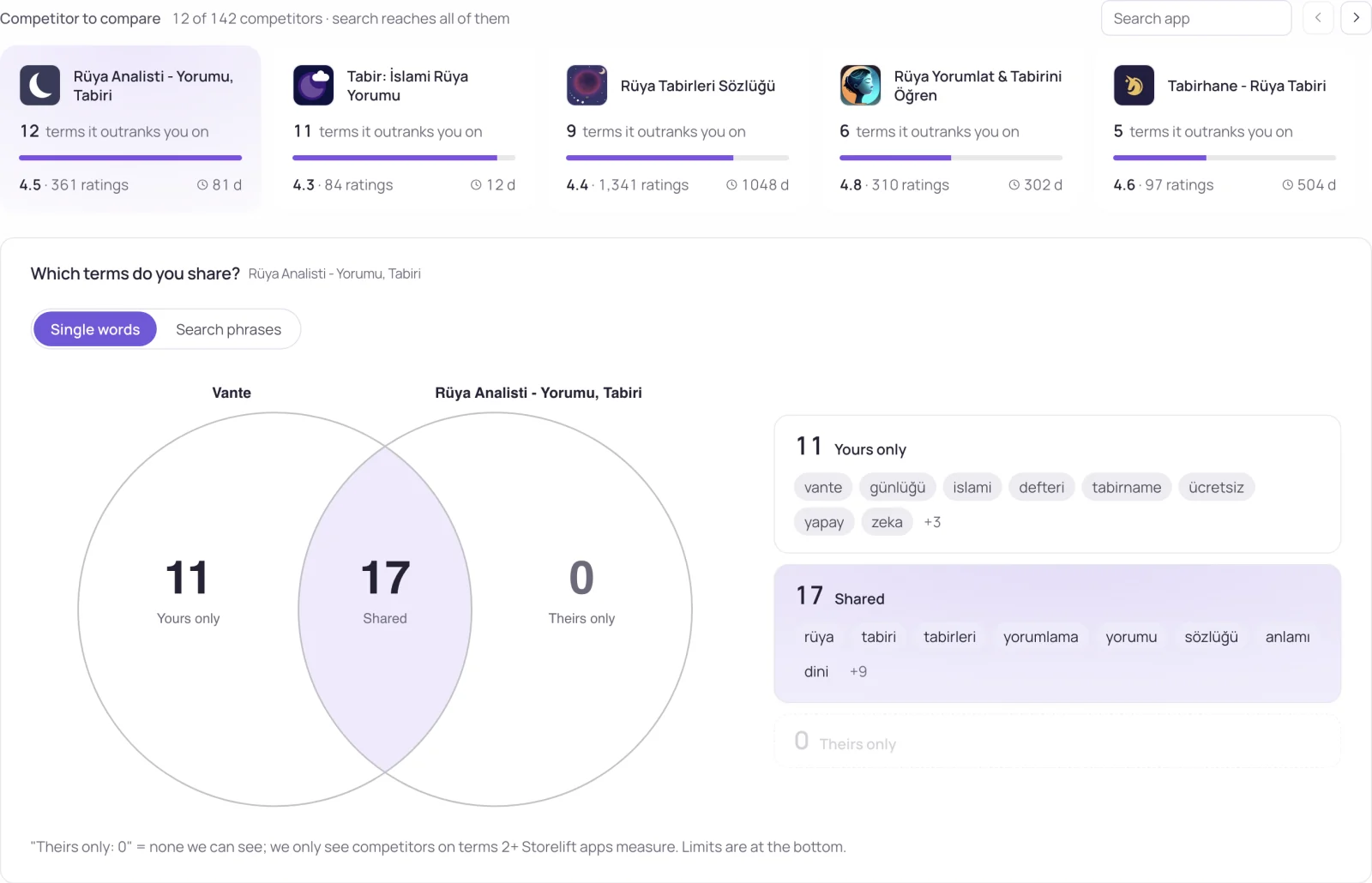
- Competitors need no setup: they are found for you, and you can add your own on All competitors.
The Getting started list
A Getting started pill at the top counts seven steps. It opens by itself once the first measurement is done:
- Track your app's keywords.
- Find your competitors. This one completes itself.
- See changes as they happen: connect Telegram, Slack, Discord or a webhook.
- Connect your store account: App Store Connect, or Google Play for an Android-only app.
- Connect your revenue: RevenueCat, Adapty or AdMob.
- Track a suggested keyword.
- Prepare your first listing draft.
A step you don't need, such as revenue when you use no subscription service, can be marked as not used.
Connect your accounts
Connections live under Settings → Connections. Each one fills the screens that need it, and every screen works without the ones you skip.
| Connect | What it adds |
|---|---|
| App Store Connect | Downloads and their sources, page conversion, store experiments, crash rates, subscriptions and your real keyword field. |
| Google Play | Downloads, installs and uninstalls, crash rates and the search terms that bring visitors. |
| RevenueCat, Adapty, Superwall | Revenue, trials, renewals and refunds as they happen. |
| Google Analytics, PostHog, Amplitude | Who uses the app and who comes back. |
| AdMob, AppLovin MAX | Ad revenue by country and ad unit. |
| Apple Ads | Campaigns, keywords with organic and paid side by side, and impression share. |
| Telegram, Slack, Discord, webhook | Alerts, wherever your team reads them. |
After a store account is connected, the first numbers come in within minutes; Apple's analytics take 24 to 48 hours.
A daily routine
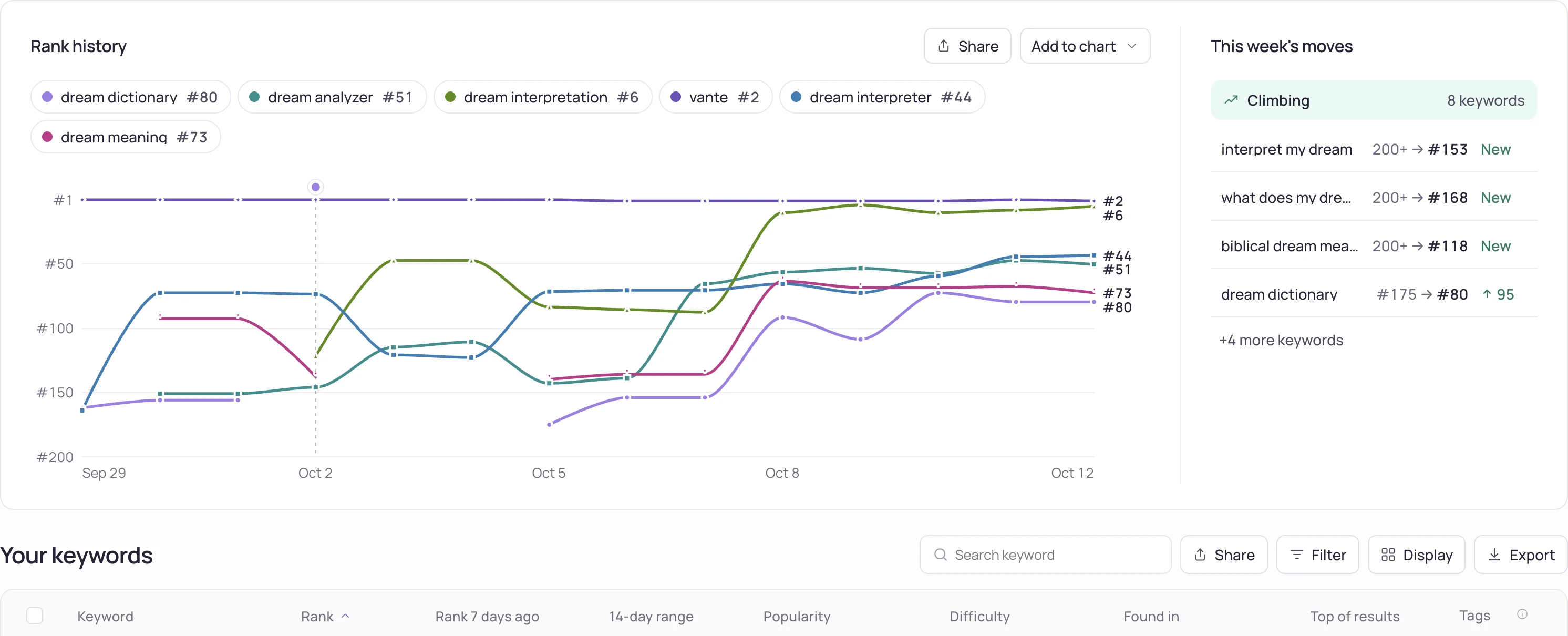
- In the morning, Overview shows which keywords moved and Today shows what changed since yesterday.
- Under Settings → Notifications, choose whether alerts come after every measurement or as a weekly digest on Mondays, sent only when something changed.
- Ask Storelift AI why a rank dropped or what changed. It reads your rank history, competitors, reviews and store page; Free includes 5 questions a month.
- The ? next to each screen's title opens the page that explains that screen.
What the Free plan includes
| Free plan | Limit |
|---|---|
| Apps | 1 |
| Tracked keywords (keyword × storefront) | 50 |
| Storefronts at a time | 2 |
| Competitors per app | 5 |
| Storelift AI questions | 5 a month |
| Rank history | 30 days |
Pro and Studio raise every limit; the pricing page compares the plans.
Frequently asked
How long until I see my first ranks?
A few minutes for a new app. The Measuring pill shows each storefront as it finishes.
Do I need App Store Connect?
No. Ranks, keywords, competitors and reviews start from your store link. App Store Connect adds downloads, conversion, crash rates and your real keyword field.
Can I add a Google Play app?
Yes. Paste its Google Play link. If the same app is on the App Store, the matching listing is offered too.
What if I add a keyword while the first measurement runs?
It is measured as soon as that measurement ends. You don't need to do anything.
See this for your own app
Paste your store link, add your keywords. Rank, the apps above you and demand are measured every day.
Free plan: 1 app, 25 keywords in each of 2 storefronts, 30 days of history, no card, no end date. Pro is $20/mo.
Start free →