Investigation steps
- Record the reporting period, app scope, source type and definitions behind each metric. Check whether counts are unique, total, first-time or another source-specific measure.
- Compare changes at each stage using the same filters. Do not construct a funnel from unrelated totals or assume every download passes through a measured product-page view.
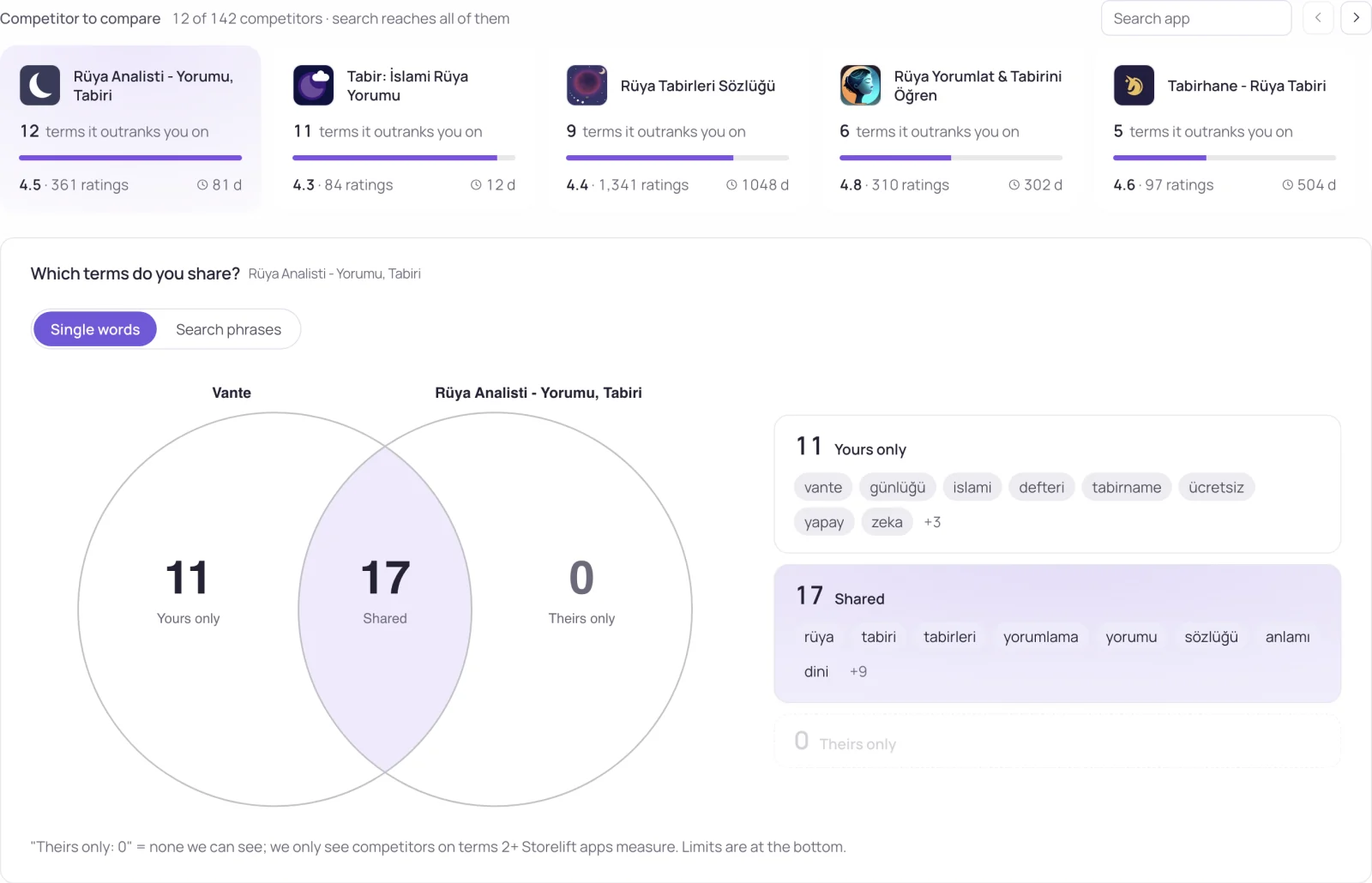
- Inspect country and source mix where those dimensions are available. A larger share of a lower-converting audience can move the overall rate even when individual segments stay stable.
Worked interpretation
Illustrative case: impressions rise but downloads stay flat after a new traffic source expands. Investigate the source mix and the listing promise before concluding that all screenshots became less effective.
Decision and next check
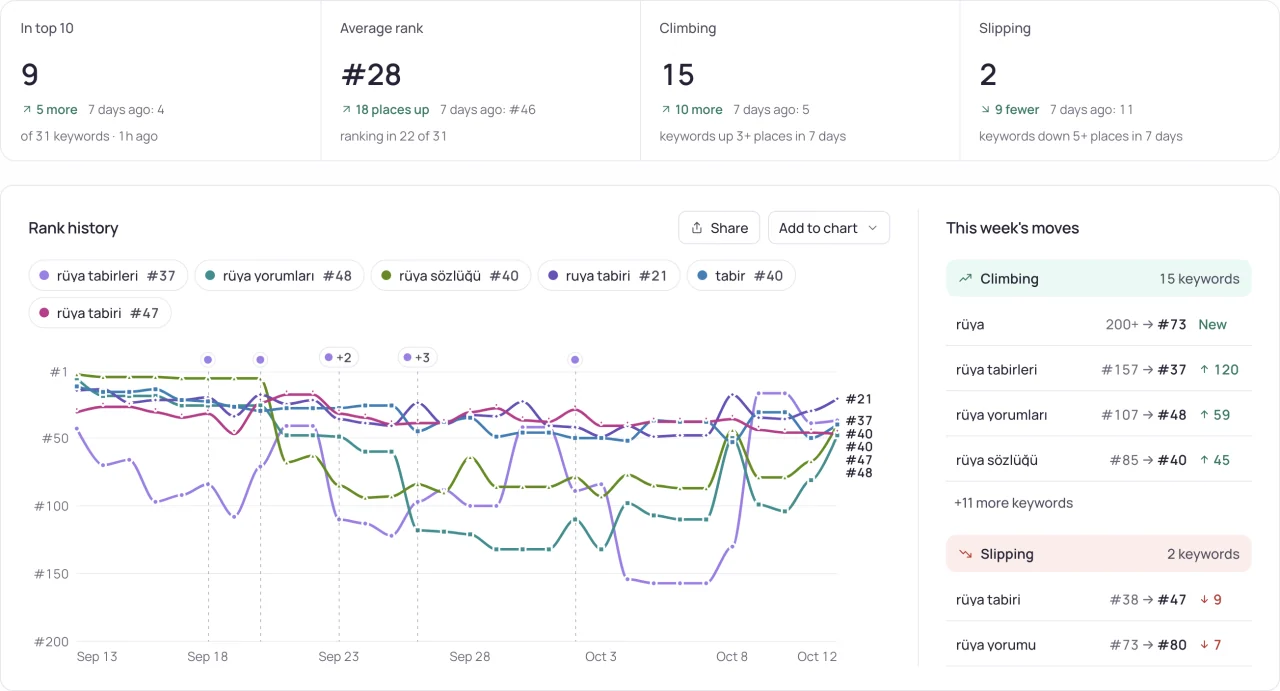
Choose the next investigation from the stage and segment that changed. Use rank data to examine search visibility and a supported listing experiment to test a message hypothesis. Retain the source's conversion definition rather than silently replacing its denominator.
Related Storelift feature
Read App Store analytics: install sources for the available product data and its scope. Keep the app, storefront, period and measurement status with the observations used in your report.
See this for your own app
Paste your store link, add your keywords. Rank, the apps above you and demand are measured every day.
Free plan: 1 app, 25 keywords in each of 2 storefronts, 30 days of history, no card, no end date. Pro is $20/mo.
Start free →