Investigation steps
- Align app, storefront, term and reporting period wherever both sources expose them. Keep account-level totals separate when they cannot be assigned to a specific app or country.
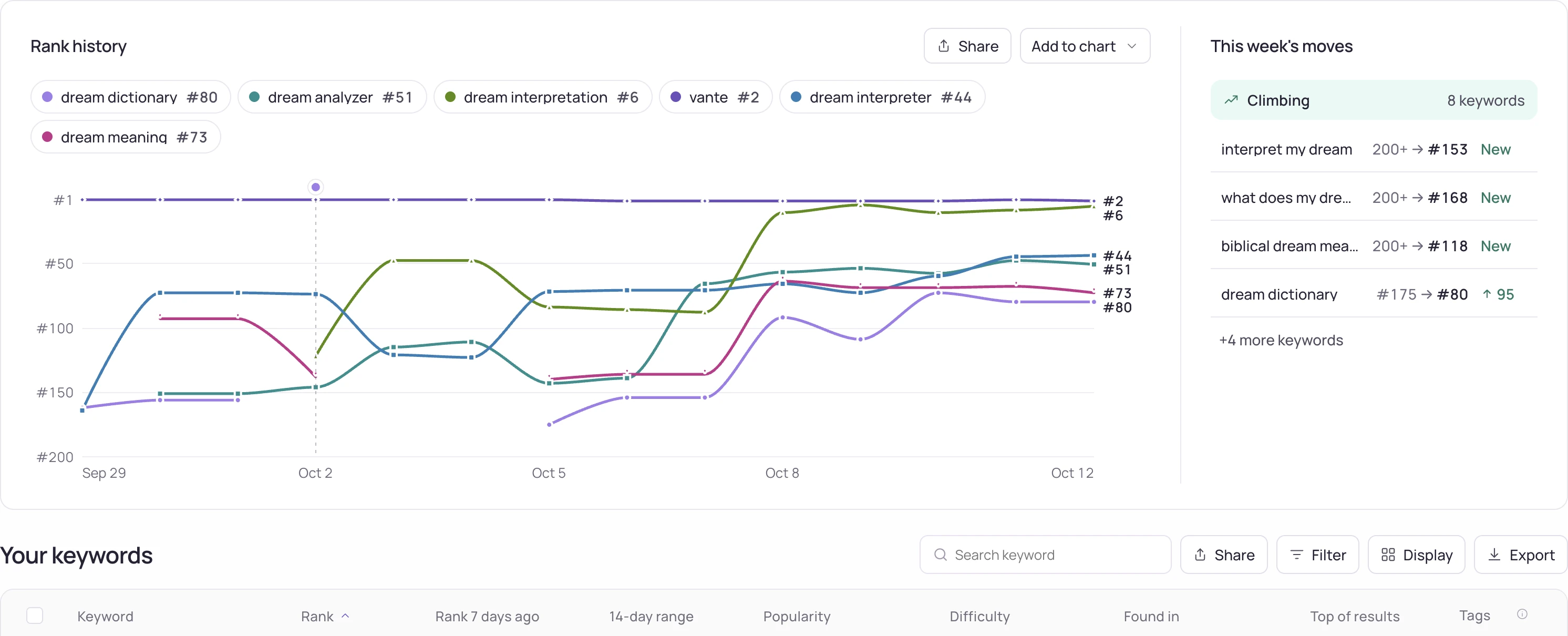
- Place observed organic positions beside reported paid spend and attributed outcomes. Label each source and its reporting window; do not rename all store-search traffic as organic.
- Record changes in campaign activity and metadata. Compare periods with similar scope and note when one source is incomplete or still updating.
Worked interpretation
Illustrative case: organic rank improves while paid spend also increases. Total downloads rise. This establishes simultaneous changes, not how many installs the rank improvement caused or how many paid installs replaced organic ones.
Decision and next check
Use the combined view to identify questions for a controlled campaign or listing investigation. Avoid subtracting incompatible installation totals to manufacture an organic count. Keep a clear distinction between observed rank, attributed acquisition and causal incrementality.
Related Storelift feature
Read Apple Ads for the available product data and its scope. Keep the app, storefront, period and measurement status with the observations used in your report.
See this for your own app
Paste your store link, add your keywords. Rank, the apps above you and demand are measured every day.
Free plan: 1 app, 25 keywords in each of 2 storefronts, 30 days of history, no card, no end date. Pro is $20/mo.
Start free →