The two stores share a goal and almost nothing else in their text fields. Here is where your words are read in each, the limits next to each other, and a way to split one message between them.
Where each store reads your words
| Field | App Store | Google Play |
|---|---|---|
| Name or title | Read for search (text relevance) | Read for search; Google asks for a focused, unique title |
| Line under the name | Subtitle, read for search | Short description, the first text on the details page |
| Hidden keywords | Keyword field, read for search | None |
| Long description | Not listed by Apple among search text | Carries your terms; Google asks for SEO best practice within its policies |
| Category | Primary category named by Apple | Not named in Google's search guidance |
This follows each store's own wording: Apple's search page names the title, subtitle, keywords and primary category as text relevance, and Play Console help describes ranking from ratings, reviews, downloads and other factors without publishing weights. Neither store gives a weight table, so do not trust one that claims to.
The limits, side by side
| Purpose | App Store | Google Play |
|---|---|---|
| Name / title | 30 | 30 |
| Line under the name | Subtitle · 30 | Short description · 80 |
| Hidden keywords | 100 | — |
| Editable promo line | Promotional text · 170 | — |
| Long description | 4,000 | 4,000 |
| Release notes | What's New · 4,000 | 500 per language |
The numbers come from App Store and Google Play character limits, which lists every field and where each is indexed.
When you can change the text
On the App Store, name, subtitle and keywords change only with a new version; promotional text can change without one. On Google Play, store listing text can be edited without an app release, so a Play rank can move on the day you publish new text. That changes how you test: on Play you can compare before and after within days, on iOS you wait for a release and note its date. Measure ASO changes around a release covers the comparison.
Splitting one message across two stores
- Decide the three or four terms that describe the app, using demand you can see in each store, not one list for both.
- On the App Store, put the strongest term in the name, the function in the subtitle and the remaining terms in the keyword field, with no repeats.
- On Google Play, put the same terms in the title and the short description, then write the long description as text people actually read, with the terms used naturally.
- Track rank on each store separately and read the Play series on its own; it does not compare one to one with an iOS rank.
Tracking both stores
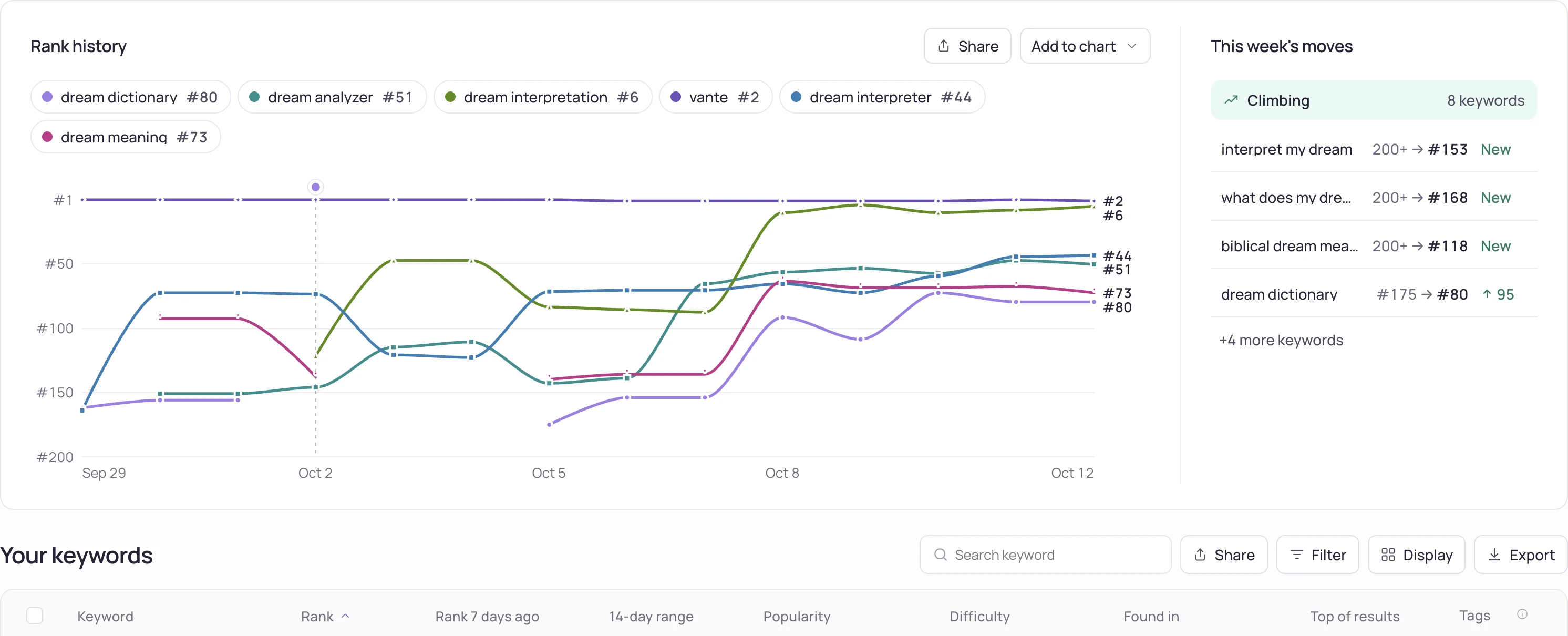
Storelift tracks keyword rank on both the App Store and Google Play. Free covers 1 app, 10 keywords in each of 2 storefronts, daily rank checks and 14 days of history; Pro (USD 29 a month or USD 290 a year) opens all 175 storefronts. Category chart tracking covers App Store charts. See Google Play rank tracking for the Play side.
Frequently asked
Does Google Play have a keyword field?
No. Play has no hidden keyword field, so the title and the descriptions carry your terms.
Can I use the same text on the App Store and Google Play?
You can, but it leaves space unused on each store. The App Store has a subtitle and 100 hidden keyword characters; Play has an 80-character short description and a long description that people read.
Can I change my Google Play listing without a new release?
Yes, the store listing text can be edited without an app release. On the App Store, name, subtitle and keywords change with a new version.
See this for your own app
Paste your store link, add your keywords. Rank, the apps above you and demand are measured every day.
Free plan: 1 app, 10 keywords in each of 2 storefronts, 14 days of history, no card, no end date. Pro is $29/mo.
Start free →