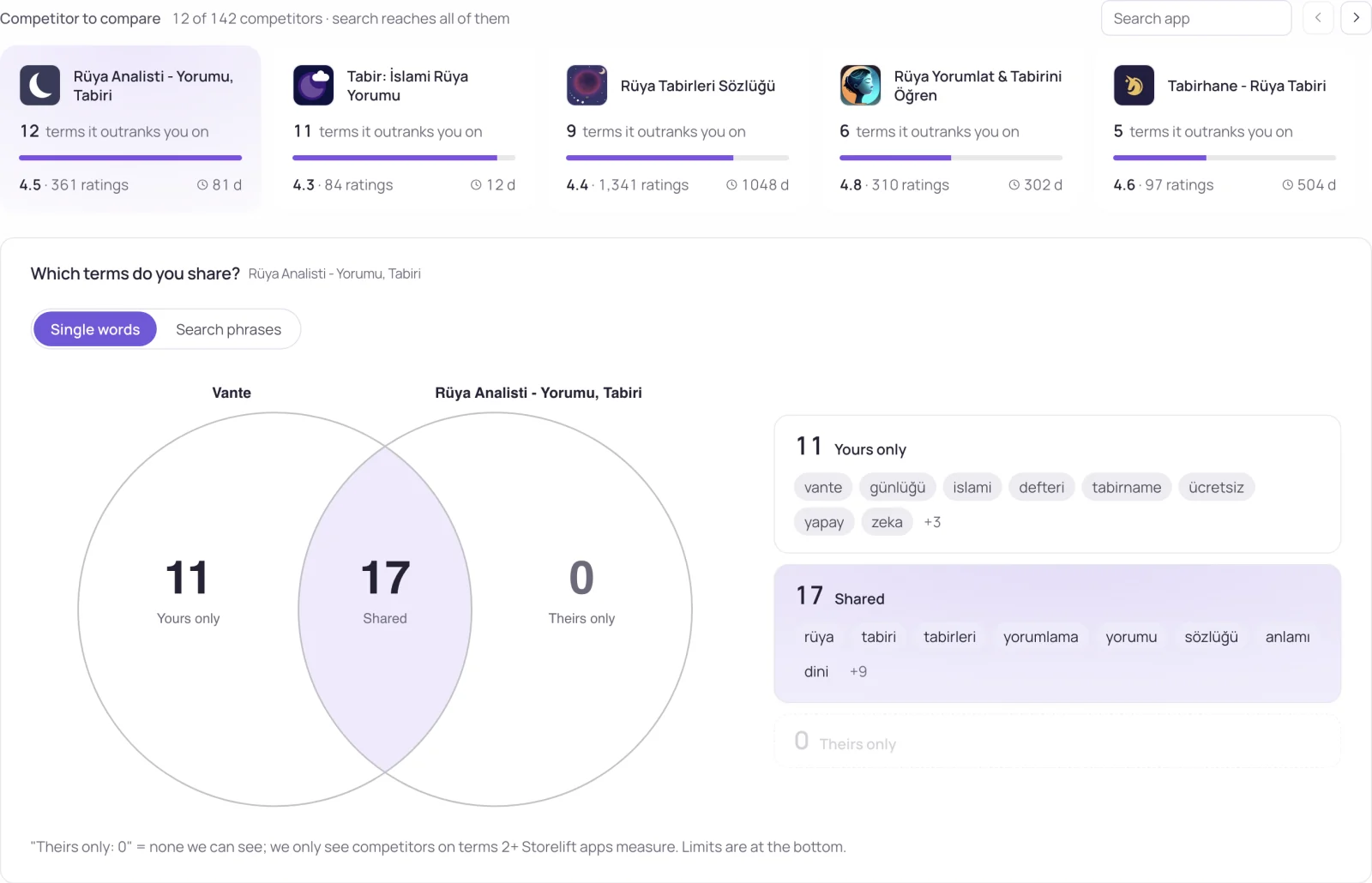
The apps above you on a keyword are your real search competitors, and they are not always the ones you would name. Here is how to list them, what to note about each, and how to keep the list current.
Check it by hand
- Make sure you are in the right storefront. On iPhone the App Store follows your Apple Account's country, so your own search shows only that country's results.
- Search the exact phrase, with the spelling and spacing your users type.
- Skip the ad at the top. Search ads appear above the organic results and are not part of the rank.
- Count down to your app and write down every app above it.
This works for a handful of keywords. It does not scale to 10 keywords in two countries every day, and your own device and account can colour what you see; why your manual rank differs from a tracker lists what to align.
Check it with a tool
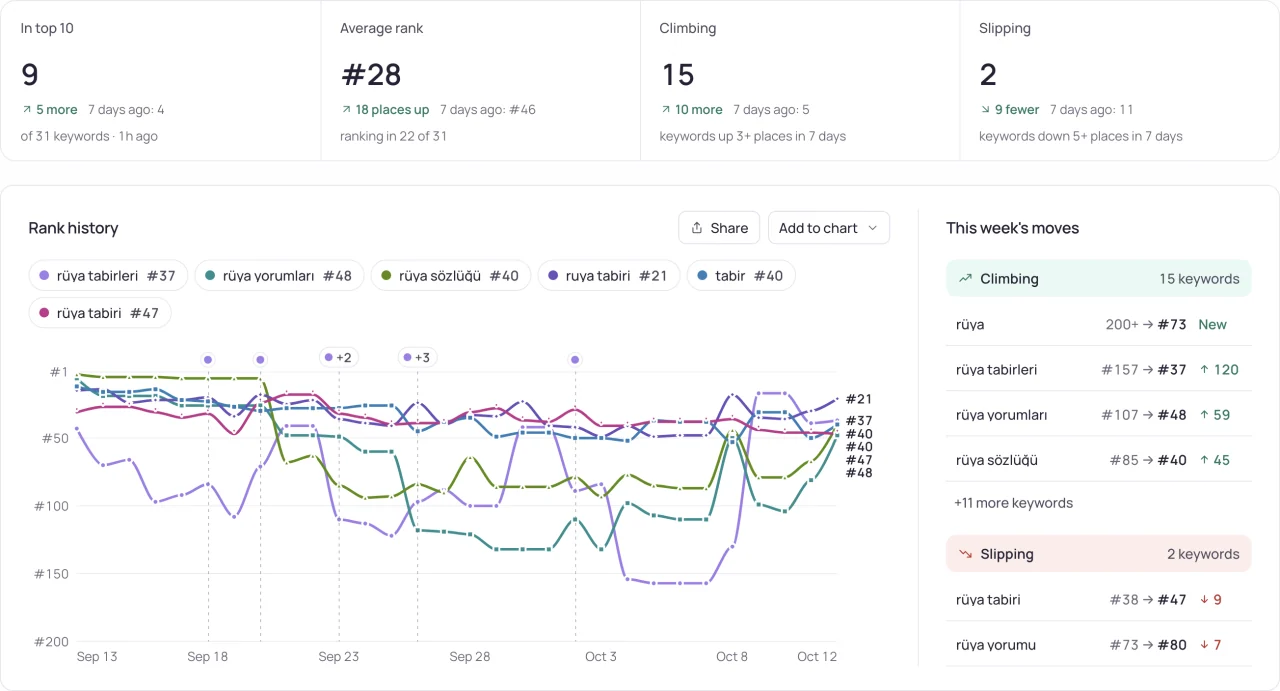
The free rank check takes your store link, a keyword and a storefront, and returns today's position with the apps above you. Add the keyword to tracking and Storelift records the same view every day, so you can see when an app passed you, not only that it did.
On the Free plan that covers 10 keywords in each of 2 storefronts, plus up to 3 competitor apps you follow by name. Pro follows 10 competitors per app across 5 apps and 175 storefronts.
What to note about the apps above you
| What | Why it matters |
|---|---|
| Name and subtitle | Shows which words they target on purpose. When several of them carry the keyword in their name, the term is contested. |
| Rating count and average | A rough sense of how established each app is. It is an observation about the app, not the reason it ranks. |
| Last update | An app updated last week may still be moving; one untouched for a year has kept its place without new text. |
| Category | Apps from other categories above you mean the store reads the keyword more broadly than you do. |
Use the list
- If the apps above you all carry the keyword in their name or subtitle and yours does not, that is the first thing to test in your next release.
- If they are much larger apps, look for a longer phrase where the same apps are not ahead of you.
- If the list changes often, review it weekly: track changes in the apps competing for your keywords.
- Follow the apps that keep appearing above you as competitors, so their releases sit next to your ranks; see competitor analysis.
Frequently asked
Why do I see different apps above me than my colleague does?
Check that you are both in the same storefront: the App Store follows each Apple Account's country. The device, the time of the search and ads also change what appears.
Do ads count as ranking above me?
No. Search ads sit above the organic results and are bought per keyword; your rank is your position among the organic results.
Can an AI assistant tell me who ranks above me?
Only if it reads a tracker. With Storelift connected through MCP you can ask who is ahead of you on a keyword and since when; see can ChatGPT or Claude track my rankings.
See this for your own app
Paste your store link, add your keywords. Rank, the apps above you and demand are measured every day.
Free plan: 1 app, 10 keywords in each of 2 storefronts, 14 days of history, no card, no end date. Pro is $29/mo.
Start free →