
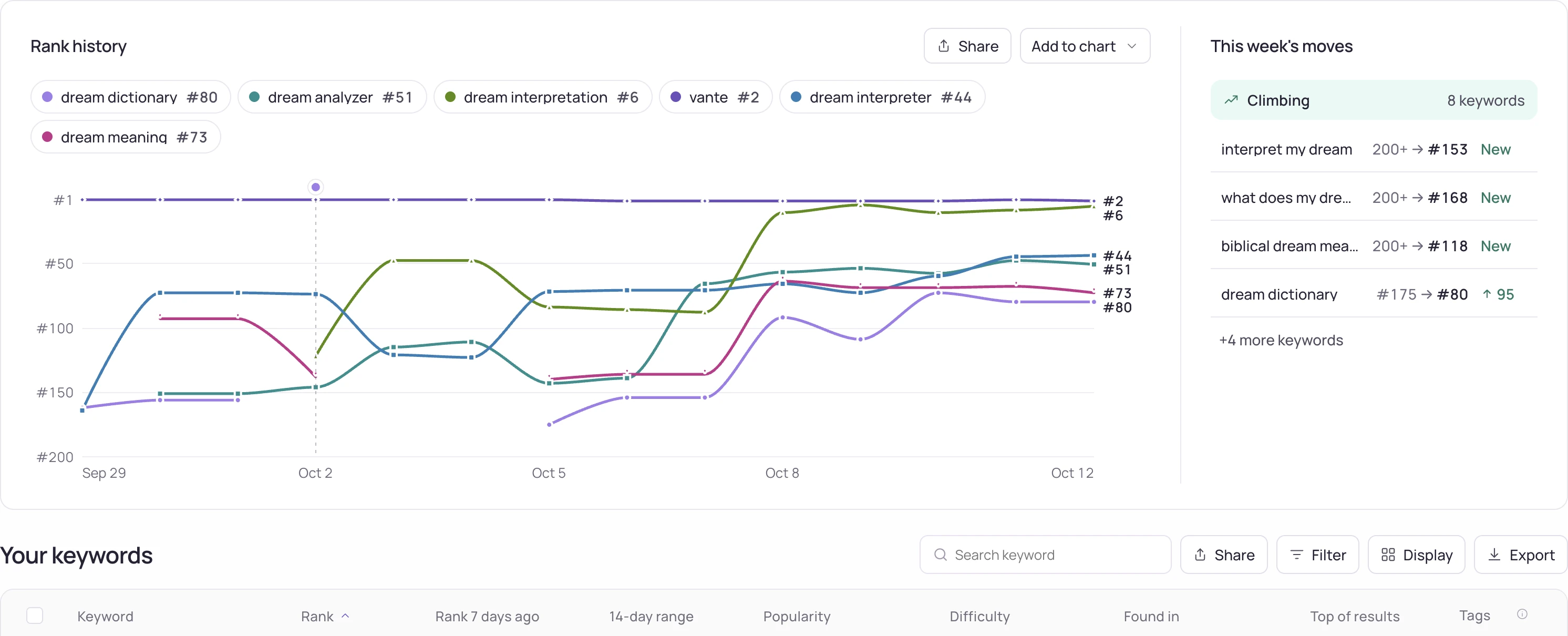
Investigation steps
- Copy the tracked phrase exactly, including spaces and accents, and identify the app by its store identifier rather than its display name.
- Record the selected storefront and the time of each check. Note whether the manual result contains ads or other result types that the tracked organic list does not count in the same way.
- Repeat a like-for-like comparison and retain the visible result order with the observation time. If a disagreement persists, share this small reproducible case instead of a screenshot without country or query context.
Worked interpretation
Illustrative case: a Turkish phone shows rank 6 while a Germany measurement reports 18. These are not conflicting observations until both checks use the same storefront. Changing the interface language alone does not establish that.
Decision and next check
Keep the compared scope beside both values in a report. Label unresolved differences rather than averaging incompatible checks. Investigate the collection method only after the country, time and result definition have been aligned.
Related Storelift feature
Read App rank tracker for the available product data and its scope. Keep the app, storefront, period and measurement status with the observations used in your report.
Example output
| Keyword | Result |
|---|---|
| sleep sounds | Measured, not in the results |
| white noise | #57 |
The free rank check gives the same reading for one keyword of your own app.
Read the same result from your own code: API reference: keyword ranks · MCP server
Check your keyword rank now
The free rank check reads one keyword rank for your app in the storefront you pick, on the App Store or Google Play, and lists the apps above you.
Check a keyword rank →- How the keyword rank is measured
- Plans that track your keyword rank every dayFree: 25 keywords in each of 2 storefronts. Pro: 2,500 tracked keywords in every storefront.