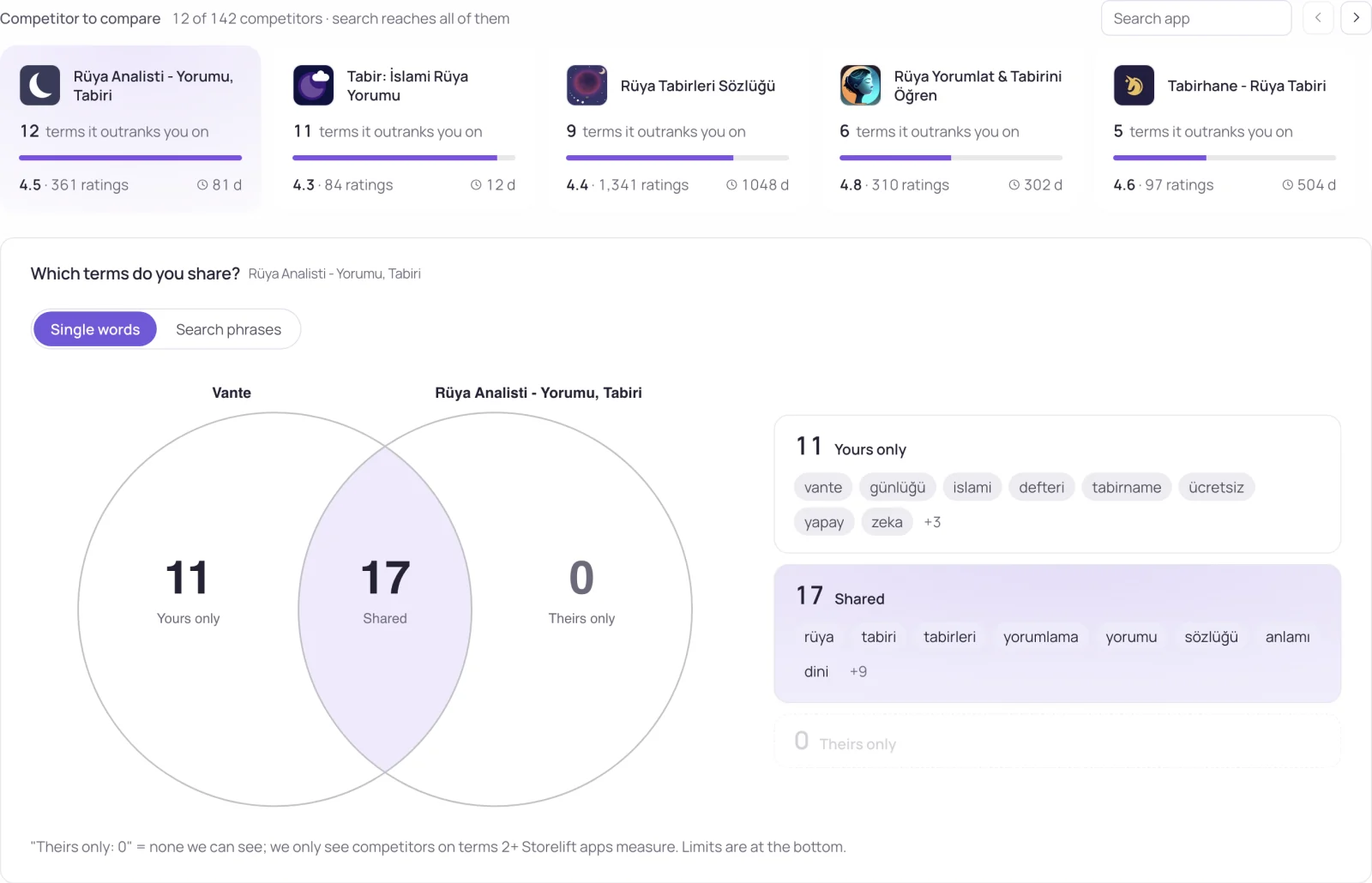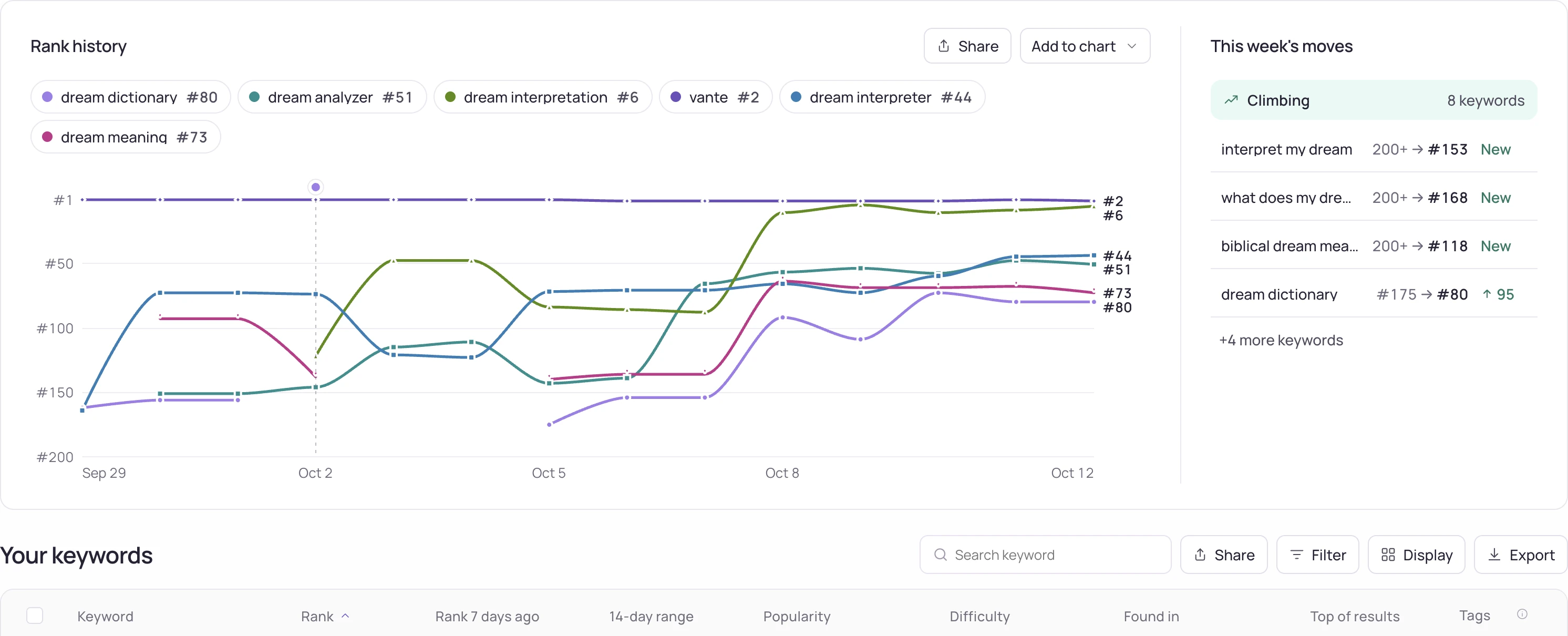
Investigation steps
- Save the export time, selected app, platform, storefront, date range and filters. Check whether the export contains the full selection or only the visible subset.
- Compare row identifiers and observation timestamps before comparing totals. Keep failed measurements, outside-range states and numeric ranks as different values.
- Reproduce one small group by hand, using the displayed aggregation rule. Check whether averages use observations, terms or another weighting, and whether repeated rows represent different dates.
Worked interpretation
Illustrative case: the dashboard shows the latest valid rank for each term while an export contains daily observations. Averaging every exported row will weight frequently observed terms differently and need not reproduce the dashboard value.
Decision and next check
Document the matching scope and any remaining discrepancy with a minimal row sample. Preserve the original export before cleaning it. Do not alter missing values or delete apparently repeated rows until their meaning is understood.
Related Storelift feature
Read App rank tracker for the available product data and its scope. Keep the app, storefront, period and measurement status with the observations used in your report.
See this for your own app
Paste your store link, add your keywords. Rank, the apps above you and demand are measured every day.
Free plan: 1 app, 25 keywords in each of 2 storefronts, 30 days of history, no card, no end date. Pro is $20/mo.
Start free →