Investigation steps
- List the agreed app, country and platform scope with the reporting period. Record additions to tracking separately so broader measurement is not presented as a visibility gain.
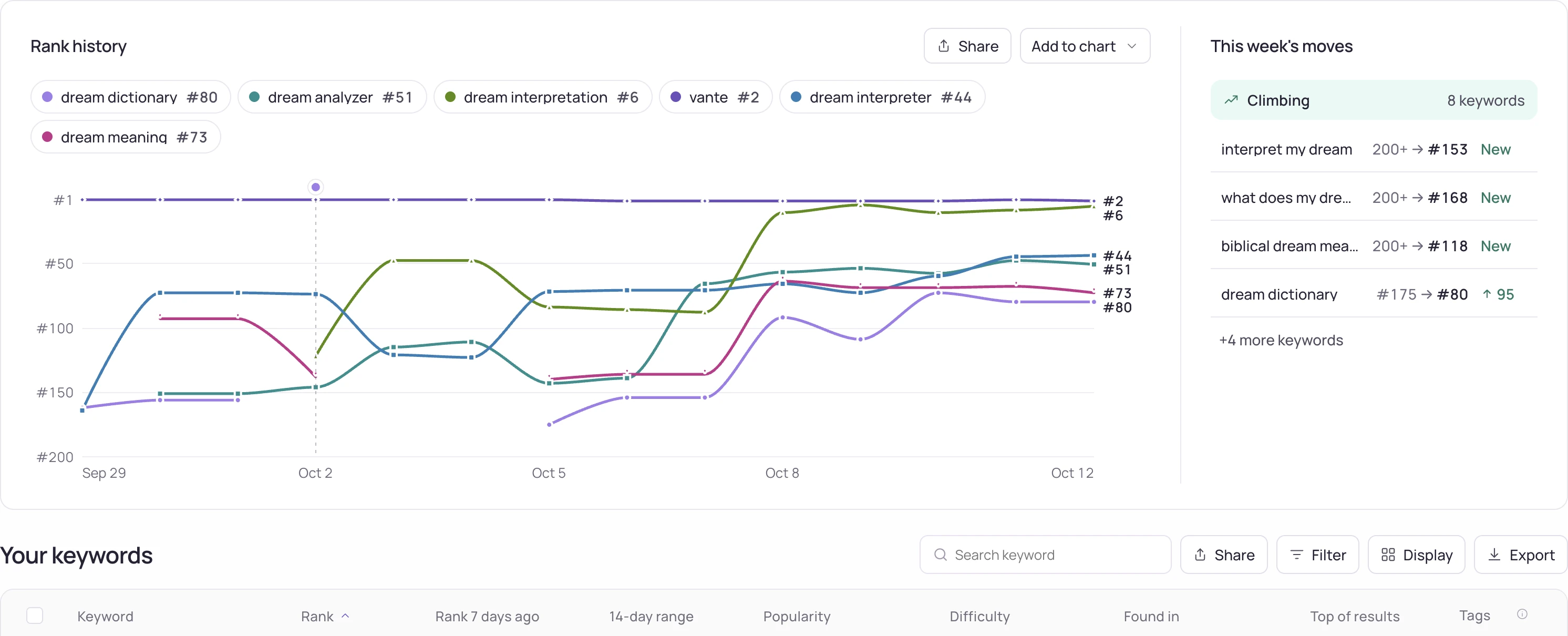
- Pair each completed task with its publication or completion date and the relevant observations. Link a metadata edit to its actual fields rather than a vague optimization label.
- Show positive, negative and inconclusive outcomes using the same comparison rules. Include data gaps and distinguish rank movement from attributed installs or revenue.
Worked interpretation
Illustrative item: a localized listing was published, five relevant terms gained observed positions and acquisition data is still incomplete. Report all three facts; do not turn the rank gains into an unsupported claim of additional customers.
Decision and next check
End with decisions the client can approve or evaluate: retain an edit, investigate a decline or prepare a specific experiment. Keep the underlying export and definitions available so the summary can be checked without rebuilding the analysis.
Related Storelift feature
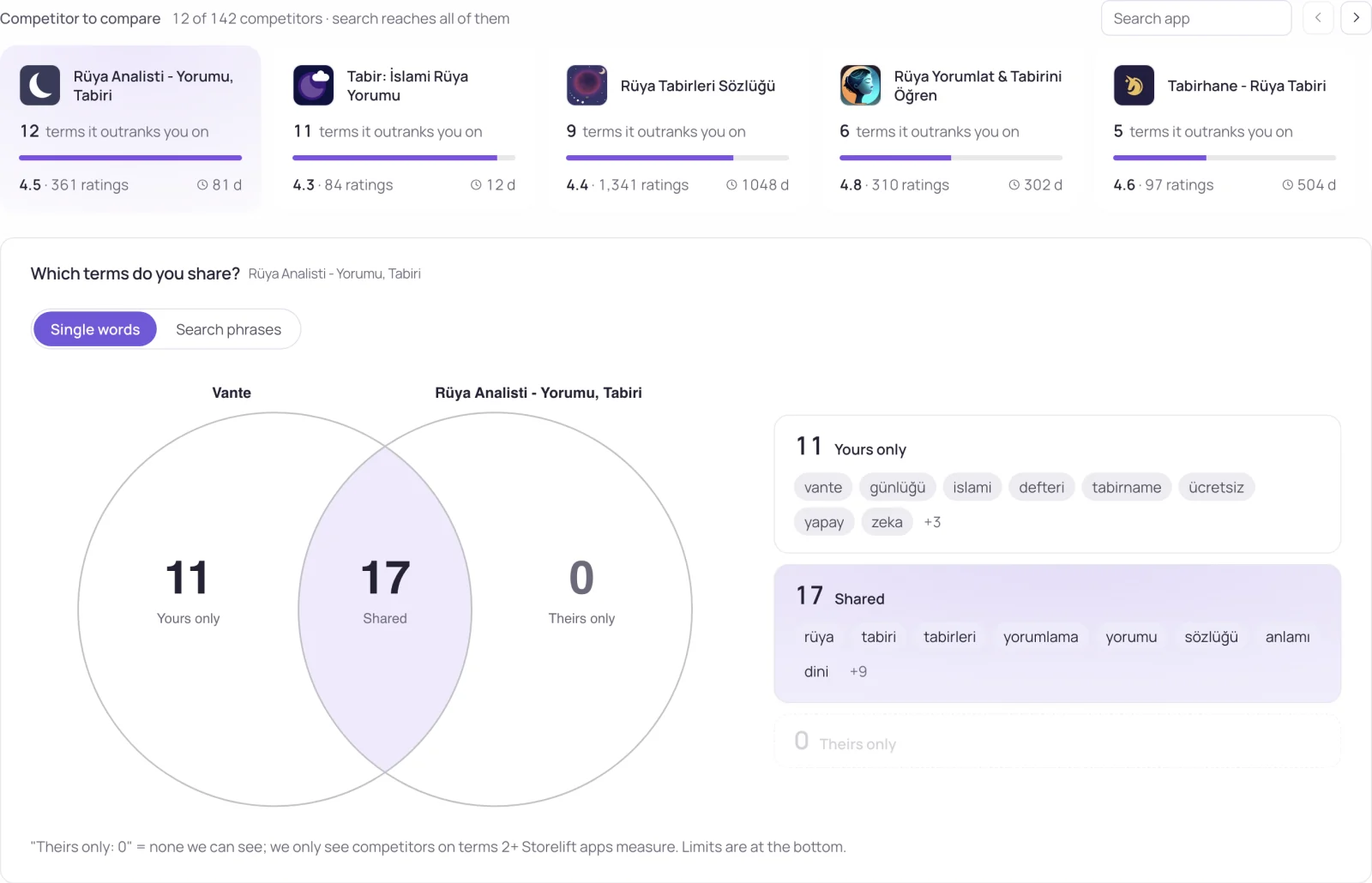
Read App Store competitor analysis for the available product data and its scope. Keep the app, storefront, period and measurement status with the observations used in your report.
Worked example and blank template
The values below are synthetic, not customer or product results. Open the example, replace its scope with your own data and keep the source export alongside it.
See this for your own app
Paste your store link, add your keywords. Rank, the apps above you and demand are measured every day.
Free plan: 1 app, 25 keywords in each of 2 storefronts, 30 days of history, no card, no end date. Pro is $20/mo.
Start free →