Investigation steps
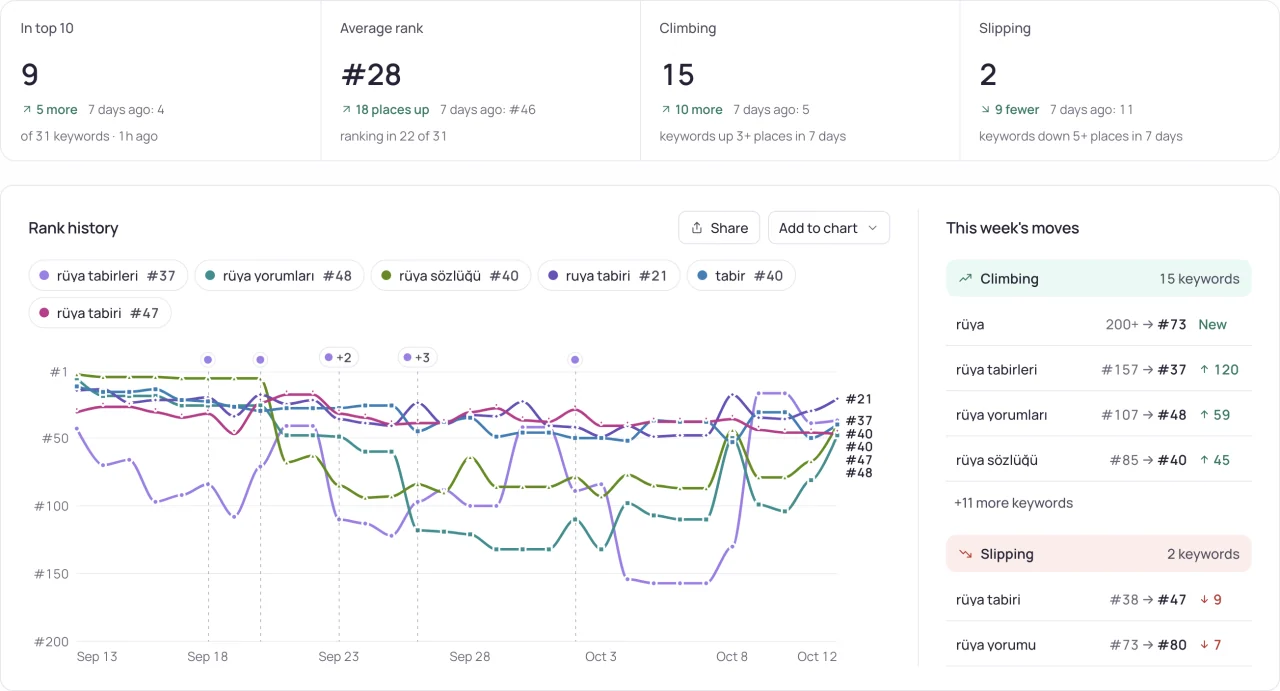
- Label the keyword series with its exact term, platform and country. Label the chart series with country, category and free, paid or grossing chart type.
- Compare changes within each series first. Avoid subtracting a keyword position from a chart position or combining them into a single average rank.
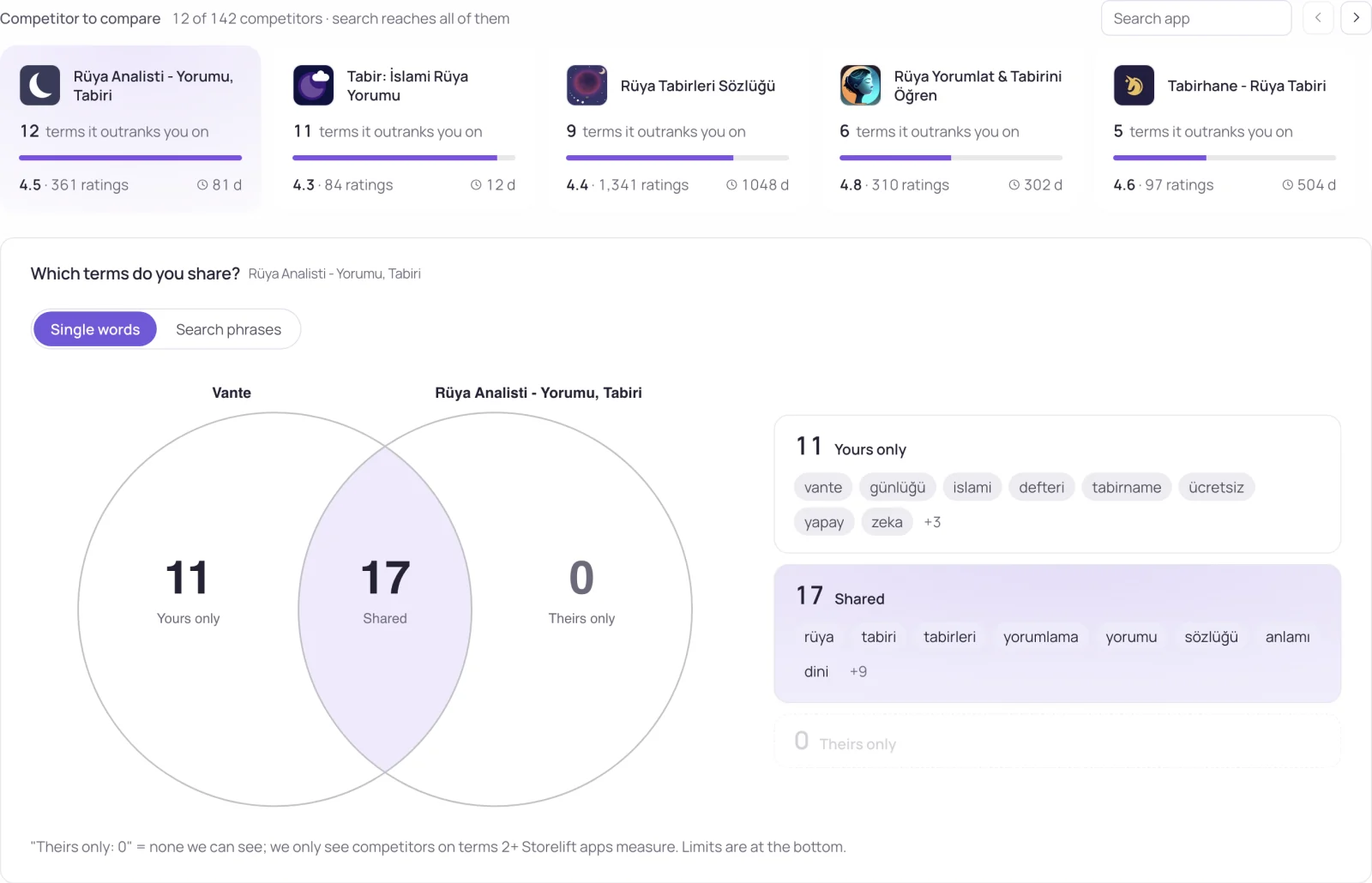
- Use the chart to inspect category competitors and the keyword results to inspect search competitors. An app can belong to one group without appearing in the other.
Worked interpretation
Illustrative case: an app moves from 40 to 25 in a category chart while a tracked keyword moves from 8 to 11. The category position improved and that keyword position declined. Neither observation cancels the other.
Decision and next check
Put both series on the same dated report with separate labels and explanations. Investigate each change against its own comparison set. Use acquisition data, where available, to assess the business outcome instead of converting chart positions into assumed download counts.
Related Storelift feature
Read App Store category rankings for the available product data and its scope. Keep the app, storefront, period and measurement status with the observations used in your report.
See this for your own app
Paste your store link, add your keywords. Rank, the apps above you and demand are measured every day.
Free plan: 1 app, 25 keywords in each of 2 storefronts, 30 days of history, no card, no end date. Pro is $20/mo.
Start free →