Investigation steps
- Read the search depth for the platform and measurement method. Keep App Store and Google Play limits separate rather than assuming both checks cover the same number of results.
- Confirm the app identity and target storefront. Check whether the app is available there before investigating the relevance of its metadata.
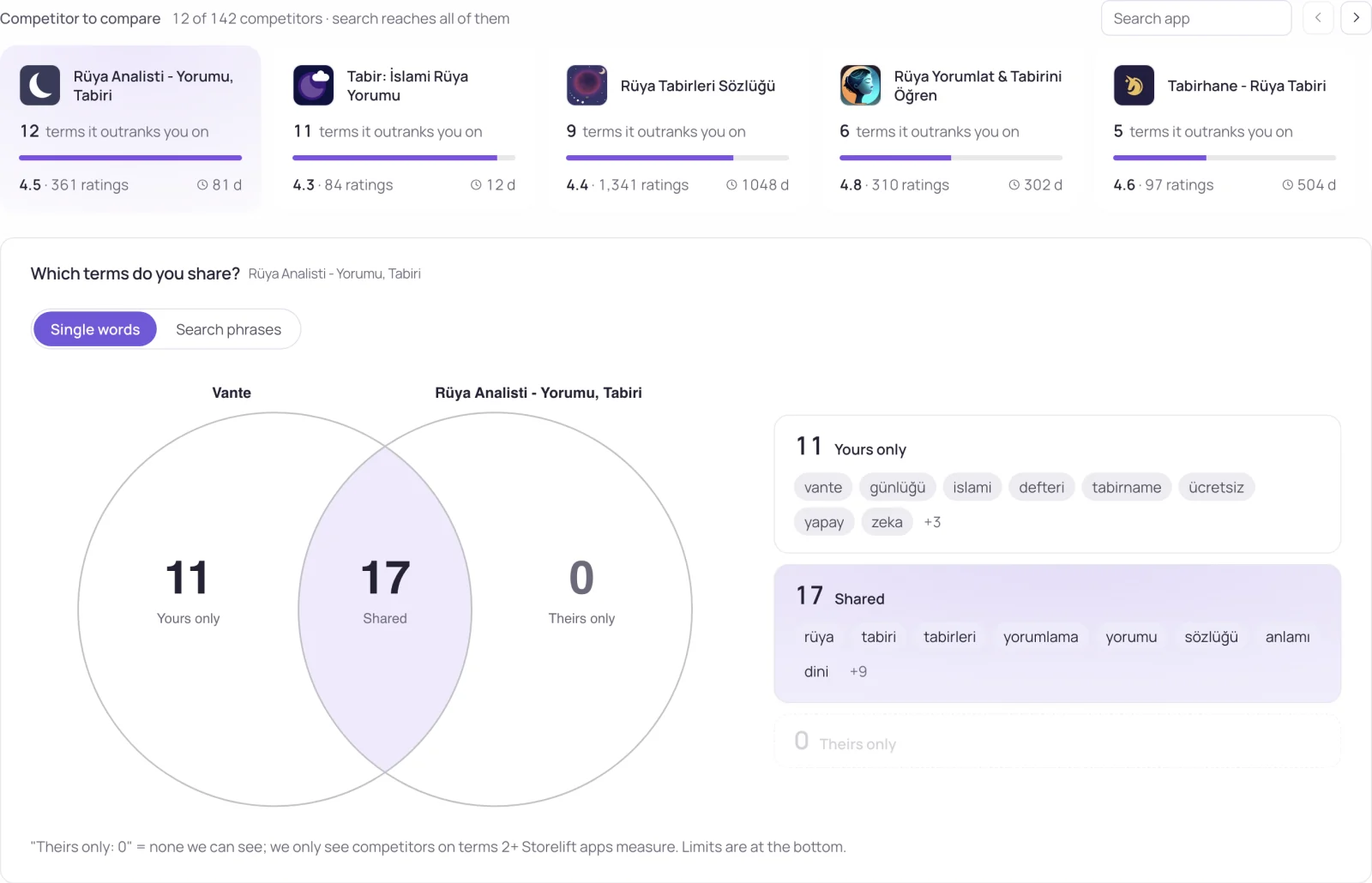
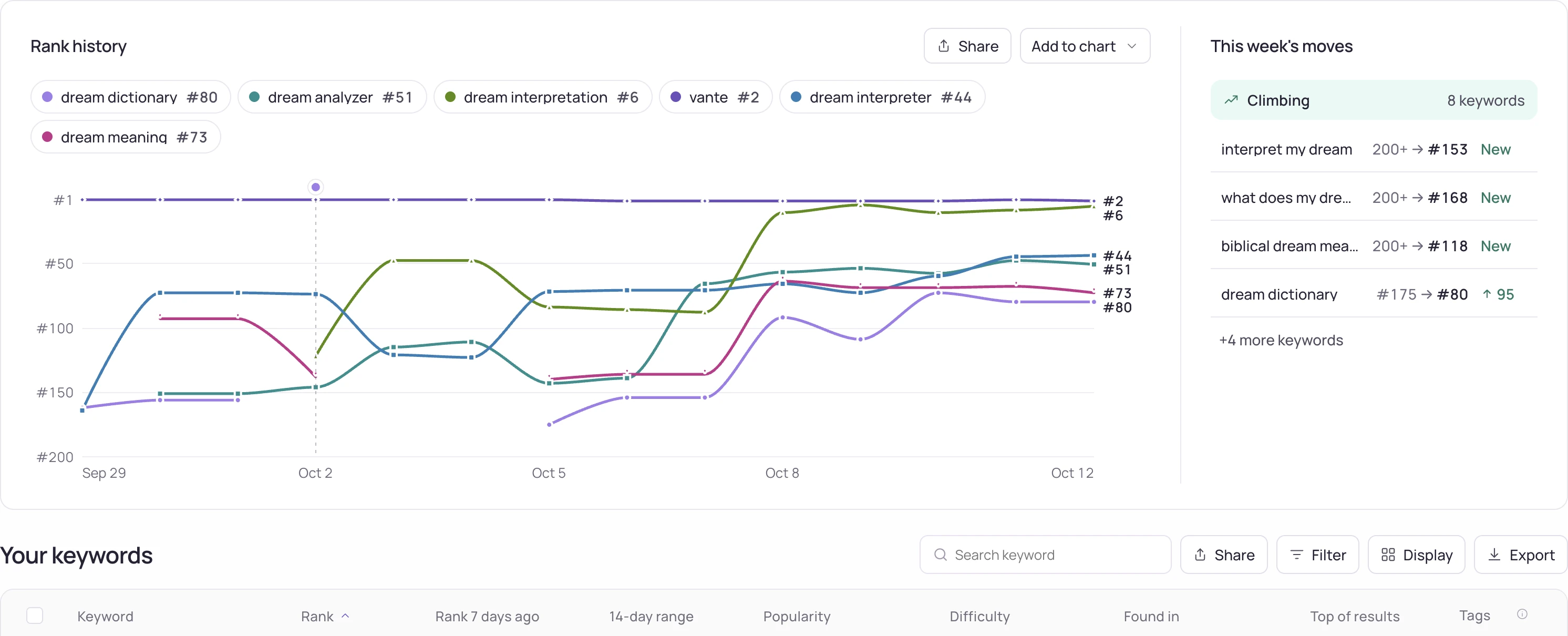
- Compare previously observed positions and the current competing results for the same term. Distinguish a term that was never observed from one that recently left the measured range.
Worked interpretation
Illustrative case: an app was observed at 184 in a search covering 200 results and is now absent from a successful check. Record 'outside the measured 200', not '201'; the latter invents a position.
Decision and next check
Prioritize the affected terms using relevance and the last valid observations. Keep an outside-range bucket in reports so these terms remain visible without contaminating numerical averages. A new successful appearance can then be recorded as a return to the observed range.
Related Storelift feature
Read App rank tracker for the available product data and its scope. Keep the app, storefront, period and measurement status with the observations used in your report.
See this for your own app
Paste your store link, add your keywords. Rank, the apps above you and demand are measured every day.
Free plan: 1 app, 25 keywords in each of 2 storefronts, 30 days of history, no card, no end date. Pro is $20/mo.
Start free →